

Your Social Bio: From Dead End to Digital Hub
That single link in your Instagram, TikTok, or X bio is some of the most valuable real estate on the internet. Many still treat it like a dead end. They point it at one page, forget about it, and lose clicks from people who were ready to buy, book, subscribe, or at least learn more.
That approach breaks fast once you have more than one goal. Maybe you need to send people to a product page, a lead form, a newsletter, a booking link, and your latest content at the same time. A good bio page fixes that by turning one URL into a compact mobile landing page that works across every platform.
The category is also far from niche now. Hopp cites an Influencer Marketing Hub figure saying more than 31 million Instagram users rely on link-in-bio tools in their setup, which tells you these tools have become core creator infrastructure rather than a side utility in a social stack (Hopp's link in bio market overview).
If you're also cleaning up the URLs behind those buttons, this master Bitly creation guide is worth bookmarking.
Table of Contents
- 1. Bio Links Page Builder
- 2. Linktree
- 3. Beacons
- 4. Campsite.bio
- 5. Lnk.Bio
- 6. Squarespace Bio Sites bio.site
- 7. Later Link in Bio
- 8. Flowpage by Flowcode
- 9. Taplink
- 10. Milkshake
- Top 10 Link-in-Bio Tools: Feature & Pricing Comparison
- From Link to Launch Your Next Step
1. Bio Links Page Builder
A lot of link-in-bio pages break down in the same way. A creator or small business starts with a few buttons, then adds a product, a video, a booking link, business hours, and three different contact options. Before long, the page feels cramped and visitors have to hunt for the next step.
Bio Links Page Builder is a better fit for that use case. It gives you a free way to build a bio page that handles mixed content well, not just a vertical list of links. Setup is simple: choose a mobile-first layout, add blocks with drag-and-drop, and publish a page with links, videos, products, articles, galleries, service listings, hours, and contact details.
Why it stands out
The main advantage is flexibility without much setup overhead. If you need a page that works more like a mini destination than a redirect list, this tool makes that practical. You can embed YouTube and Spotify, arrange sections in the order visitors should see them, and turn blocks on or off as your campaign or offer changes.
That matters because the best link-in-bio tool depends on the job. A local service business usually needs different page elements than a creator selling digital products. An agency managing client pages needs different controls than a solo freelancer. Bio Links Page Builder works well across those cases because it supports a wide range of content types instead of forcing every use case into the same button stack.
Here is a practical example. A service business can combine a services section, opening hours, WhatsApp contact, reviews pulled from other platforms, and a booking link on one page. A creator can feature a latest video, newsletter signup, affiliate picks, and social channels without making the page feel cluttered.
Practical rule: If your bio page needs to present content, offers, and actions together, a block-based builder usually holds up better than a basic link list.
There is also a branding benefit. White-label removal gives the page a more professional feel, which matters for consultants, agencies, and small brands that do not want platform branding distracting from the offer.
For teams that also need lead capture elsewhere in their workflow, I'd pair this with BuildForm's form builder insights and keep the bio page focused on one or two clear next actions.
Best fit
Bio Links Page Builder is a strong option for:
- Creators who want more than a link list: Media, product showcases, and content sections fit naturally.
- Small businesses with several conversion paths: Hours, services, contact methods, and booking links can live on the same page.
- Freelancers and agencies: White-label presentation helps client pages look more polished.
- Anyone comparing free vs. paid tools carefully: The free tier is useful enough to test a serious setup before paying for extras elsewhere.
The trade-off is that it is less centered on advanced commerce workflows than some creator-focused platforms, and publicly visible analytics depth appears lighter than what larger paid tools often promote. If built-in checkout and heavy monetization features are the priority, another tool later in this guide may fit better. If you want a capable free option with enough flexibility to support different use cases, Bio Links Page Builder earns a spot near the top of the list.
2. Linktree
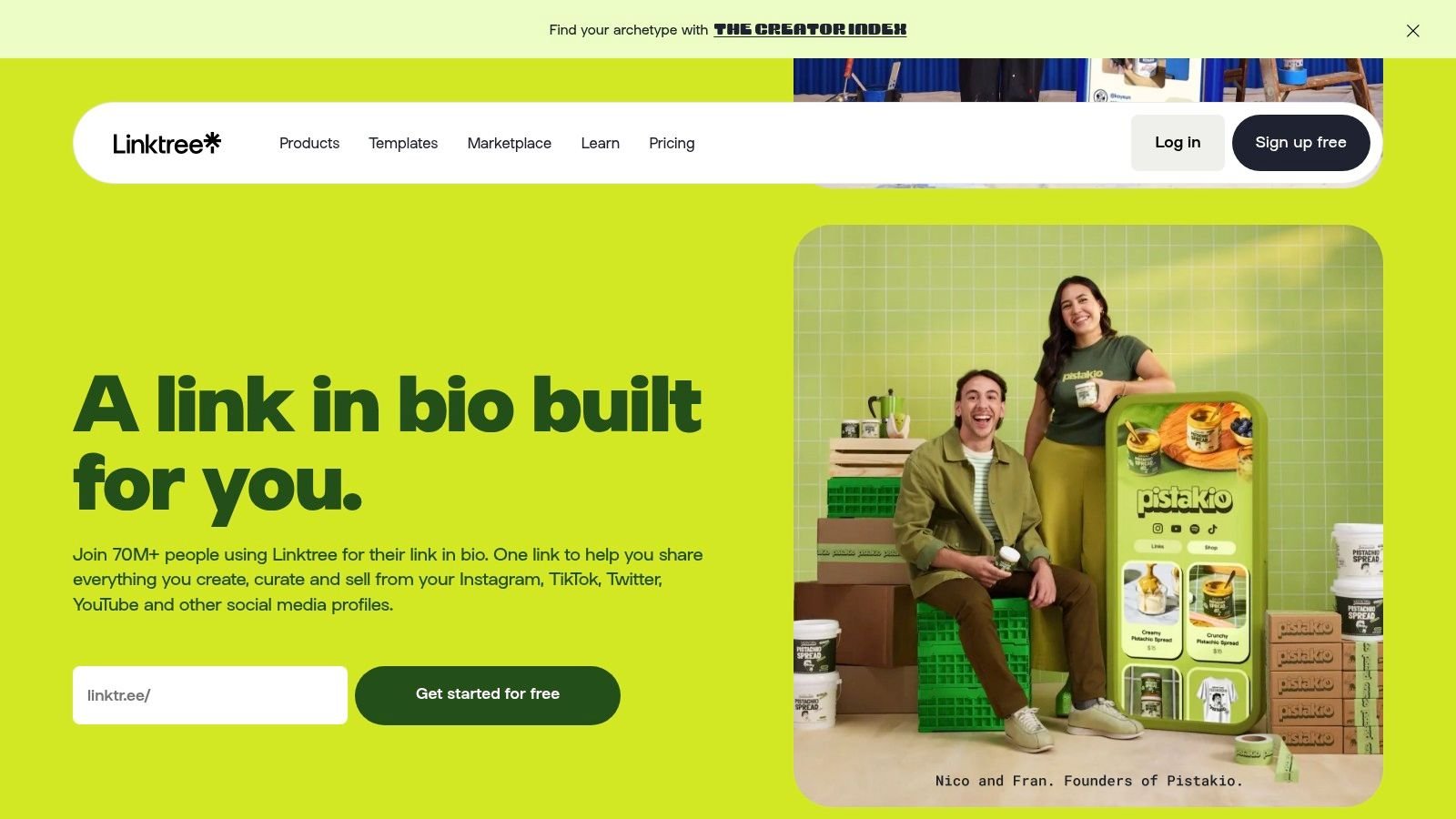
Linktree is still the default reference point in this category. That matters because audience familiarity removes friction. When people see a Linktree URL, they already know they're about to land on a list of options.
A 2025 market report cited by Influencers Club said that out of 31 million link-in-bio users, 79.95% used Linktree, or about 24.7 million people, with the next-largest platforms much smaller (Influencers Club link in bio market report). That kind of category dominance helps explain why so many creators still start here.

Where Linktree still wins
Linktree is a solid choice when you want broad capability without a steep learning curve. The free plan covers a lot of basics, and paid plans open up stronger analytics, branding, email capture, social scheduling, and commerce features.
What works well:
- Fast onboarding: You can publish a usable page quickly.
- Large ecosystem: Integrations, templates, and built-in growth features are mature.
- Low trust friction: Brands, creators, and visitors already recognize it.
What doesn't work as well:
- Advanced features stack up behind paid tiers: If you want the more serious growth tools, you'll likely outgrow the free plan.
- Custom brand control isn't its strongest suit: It's better than it used to be, but some businesses still want more ownership and less platform identity.
Linktree is rarely the wrong answer. It's just not always the most specialized one.
If you're a solo creator, coach, or local brand that wants a stable default with a polished UI, Linktree remains one of the safest picks. If you care more about full brand control, white-label presentation, or pushing all leads into your own systems, there are sharper options.
Website: Linktree
3. Beacons
Beacons is what I'd call a business-in-bio platform. It's not just trying to organize links. It's trying to replace a chunk of your creator stack with storefront tools, email capture, automations, and creator-facing business features in one place.
That makes it appealing if you're selling digital products, memberships, affiliate offers, or services directly from social traffic. It can reduce the patchwork of separate tools, but only if you use the extra layers.
Best for creator monetization
Beacons makes sense when monetization is the center of the workflow. The store, courses, affiliate links, email tools, and DM automation are all pointed in that direction. If you've outgrown a simple page of buttons and want your bio link to operate more like a lightweight revenue hub, this is a strong option.
Its biggest advantage is consolidation. Its biggest drawback is also consolidation. Once a platform tries to do many jobs, the interface gets denser and the pricing logic gets harder to read.
A second strategic issue matters here. Current market coverage shows creator platforms moving toward built-in stores, email automation, booking, and contact capture, but the harder question is still lead ownership, CRM portability, and whether an all-in-one platform reduces complexity or just shifts it into a different subscription stack (Stan's review of link in bio platforms).
Use Beacons if you want one platform to do more of the selling work. Skip it if you already have preferred tools for checkout, email, and CRM, because duplication becomes expensive in attention even before it becomes expensive in software.
Website: Beacons
4. Campsite.bio
Campsite.bio is one of the cleaner choices for people who want a polished page without turning the bio link into a giant operating system. It feels lighter than all-in-one creator suites, but more professional than ultra-basic free tools.
That balance is why I often put it in the “small brand, designer, or agency” bucket. It gives you customization, analytics, and team-friendly management without pushing you into a huge feature maze.
Best for design conscious brands and agencies
Campsite.bio is especially useful when more than one person touches the page. Multi-profile management, collaborators, custom domains, tracking pixels, and Google Tag Manager support make it easier to fit into a broader marketing workflow.
A few things stand out in practice:
- Design flexibility: Better visual control than many entry-level tools.
- Agency utility: Useful for handling more than one profile cleanly.
- Analytics maturity: Strong enough for ongoing optimization, especially if you care about exported data.
The trade-off is simple. Some of the reporting and organizational features sit higher up the plan ladder, so cost can creep when you add profiles or collaborators.
A tool like Campsite.bio is strongest when your bio page is part of a system, not a one-off page you set and forget.
If your page needs to align with campaigns, tags, and reporting, Campsite.bio is one of the best link in bio tools in the middle tier. It won't try to replace your whole business stack, and that restraint is part of the value.
Website: Campsite.bio
5. Lnk.Bio
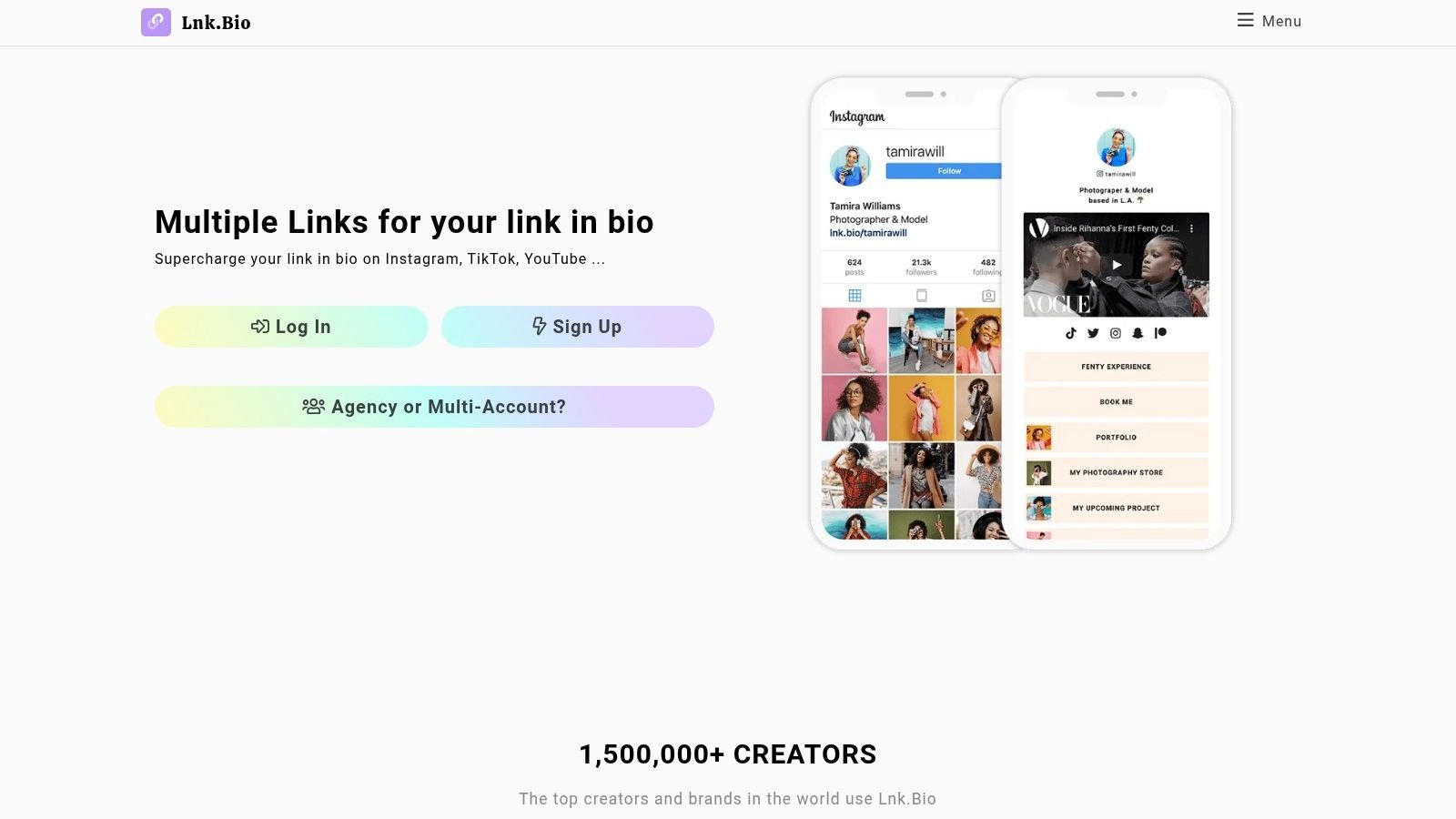
Lnk.Bio has stayed relevant by not overcomplicating the offer. It's simple, stable, and usually attractive to people who hate recurring subscriptions or don't need a platform that keeps trying to upsell them into becoming a media company.
For many creators, that's enough. A bio page isn't always the center of the business. Sometimes it just needs to work, look decent, and stay affordable.
Best for budget minded simplicity
The main draw here is predictable cost structure, including lifetime payment options. That makes Lnk.Bio attractive if you want to set things up once and avoid another monthly tool draining your budget.
It also offers a large template and embed library, which helps compensate for the product being less advanced than heavier platforms. You can get a branded-enough page live fast, especially if your needs are straightforward.
Still, there are limits:
- Marketing depth is lighter: You won't get the same built-in automation or commerce infrastructure as you would in Beacons or similar tools.
- The experience is simpler by design: That's either a feature or a limitation, depending on your business.
If you're a writer, musician, podcaster, or side-project builder who mainly wants a clean hub for links and embeds, Lnk.Bio is a sensible low-drama choice.
Website: Lnk.Bio
6. Squarespace Bio Sites bio.site
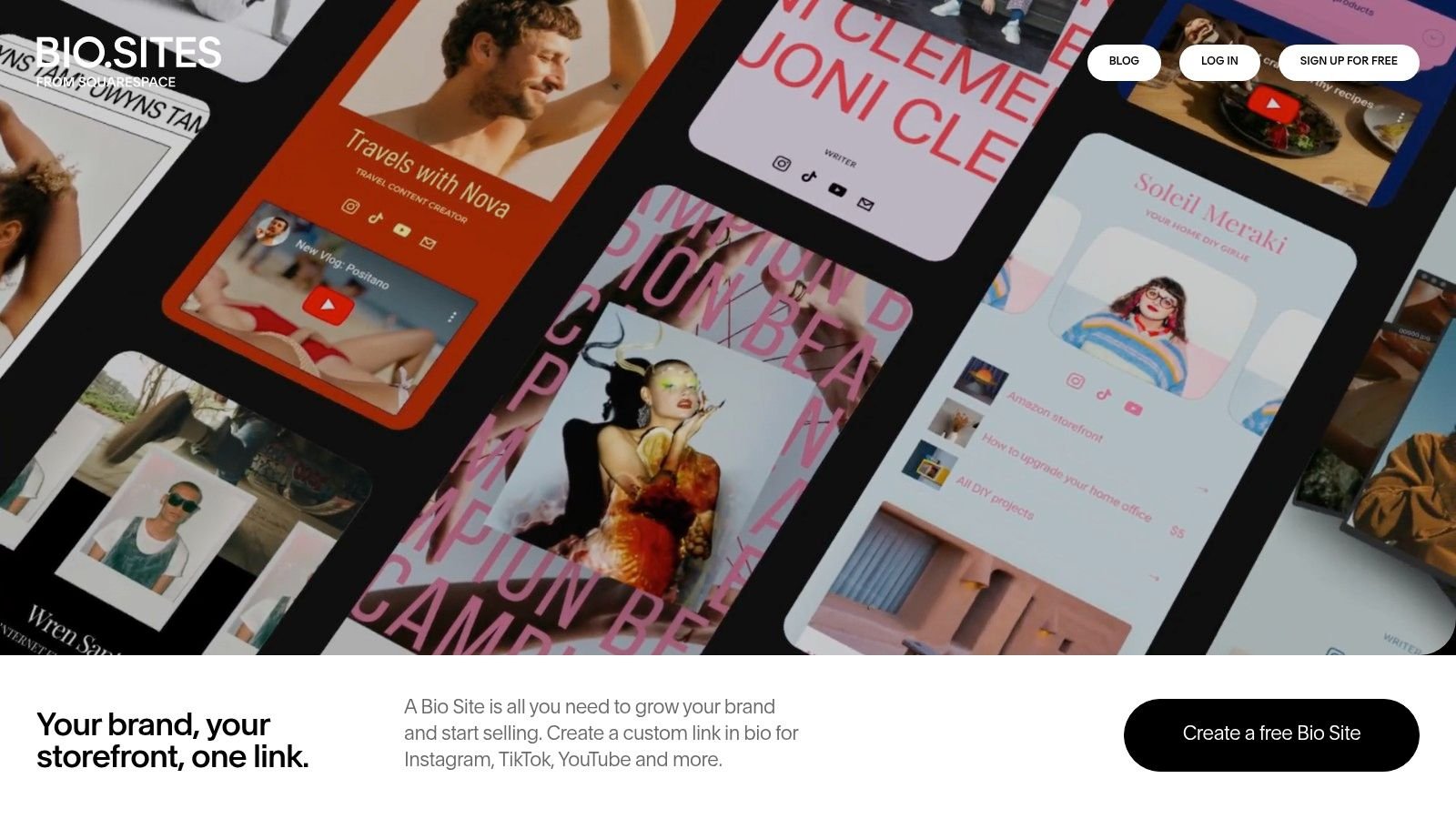
Squarespace Bio Sites sits in a useful niche. It gives you a more polished design language than many free tools, but it doesn't require committing to a full website subscription just to launch a bio page.
That makes it attractive for creators who care about visual presentation first. If your audience responds to brand feel and page aesthetics, bio.site punches above its weight.
Best for polished free design
The product includes drag-and-drop templates, social icons, branding controls, contact capture, payments support, digital downloads, bookings, and analytics. For a free entry point, that's a strong package.
It's also a good fit for people already in the broader Squarespace orbit. Even if you aren't using the full website builder yet, the design logic feels familiar and polished in a way many utility-first tools don't.
A practical caveat: Bio Sites is good for elegant presentation and light selling, but it isn't the deepest option for creator automation or more advanced commerce workflows.
If your main priority is “make this look premium without much effort,” bio.site is one of the strongest options available.
Website: Squarespace Bio Sites
7. Later Link in Bio
Later's Link in Bio makes the most sense when your social publishing already lives inside Later. If that's your setup, using a separate bio tool often creates unnecessary duplication.
This is a workflow-first choice. The value isn't just the page itself. The value is that your scheduling, content planning, and reporting stay connected.
Best for scheduling led workflows
Later is especially useful for brands and teams that publish frequently across visual channels and want the bio page to stay in sync with campaigns. Instead of treating the bio page as a static asset, you tie it more closely to publishing operations.
This can be a strong fit if you care about:
- Post-to-link coordination: Campaign updates are easier to manage when content and destination live in one system.
- Shared reporting: It's cleaner for teams already reviewing Later analytics.
- Operational simplicity: One subscription can beat two disconnected tools.
The downside is obvious. If you don't already use Later, this can be overkill. You're paying for a broader social management platform when you may only need a bio page.
Website: Later Link in Bio
8. Flowpage by Flowcode
Flowpage is less about influencer bio pages and more about QR-connected journeys. If your traffic comes from event signage, packaging, printed material, in-store displays, or physical handouts, Flowpage becomes much more interesting.
That's because it lives inside the Flowcode ecosystem. You can connect QR distribution and mobile destinations without patching tools together manually.
Best for QR driven campaigns
This is one of the few tools on this list that feels built for offline-to-online movement. Brands running events, retail activations, restaurant campaigns, or field marketing can use it to keep the QR code and the destination page under one roof.
What I like about that setup:
- Better campaign continuity: You can manage scans and mobile destinations together.
- Useful for asset distribution: Menus, forms, downloads, contact capture, and event resources fit well.
- Team support: Enterprise orientation makes it more realistic for organizations than hobby creators.
What I don't like as much is that pricing and feature depth are tied to the broader Flowcode plan structure. If you just want a standalone bio page, there are easier and often cheaper paths.
Website: Flowpage by Flowcode
9. Taplink
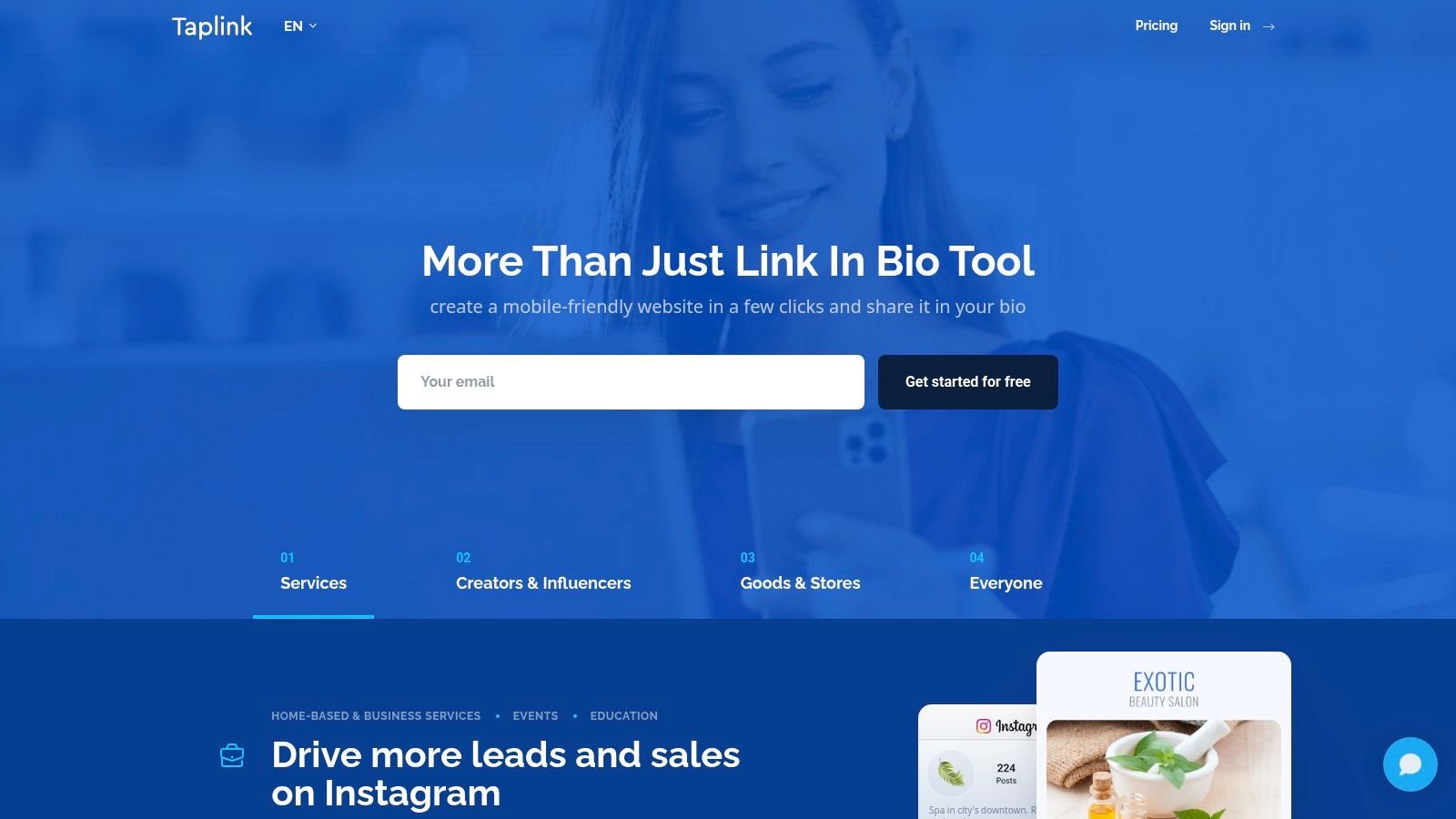
Taplink has always made more sense to me for service businesses than for pure creators. It behaves more like a mini landing page builder than a simple link directory, and that difference matters when the goal is getting inquiries, bookings, or direct contact.
If you run coaching, consulting, beauty, wellness, home services, or appointment-led work, Taplink is built around the actions you need.
Best for service businesses
Taplink's strengths are forms, price lists, service blocks, scheduling elements, visibility controls, and multilingual support. It gives you more of the “mini site” feel that service providers often need.
That's useful because link-in-bio platforms have evolved from simple aggregators into analytics-rich micro landing pages. Rebrandly highlights custom domain hosting, first-party data ownership, and real-time analytics as core differentiators, while Site Builder Report notes that Linktree analytics can track views, clicks, click-through rate, revenue, fees, transactions, and top locations, with integrations for Google Analytics and Facebook Analytics, showing how far the category has moved beyond basic link lists (Rebrandly's comparison of top bio link tools).
If your business starts with “book,” “message,” “request,” or “get a quote,” a service-oriented page usually converts better than a creator-style page full of mixed links.
Taplink's weaknesses are mostly around consistency. Pricing visibility can vary by region, and some parts of the help experience feel less polished than larger global competitors. Still, for service-led use cases, it's one of the most practical options.
Website: Taplink
10. Milkshake
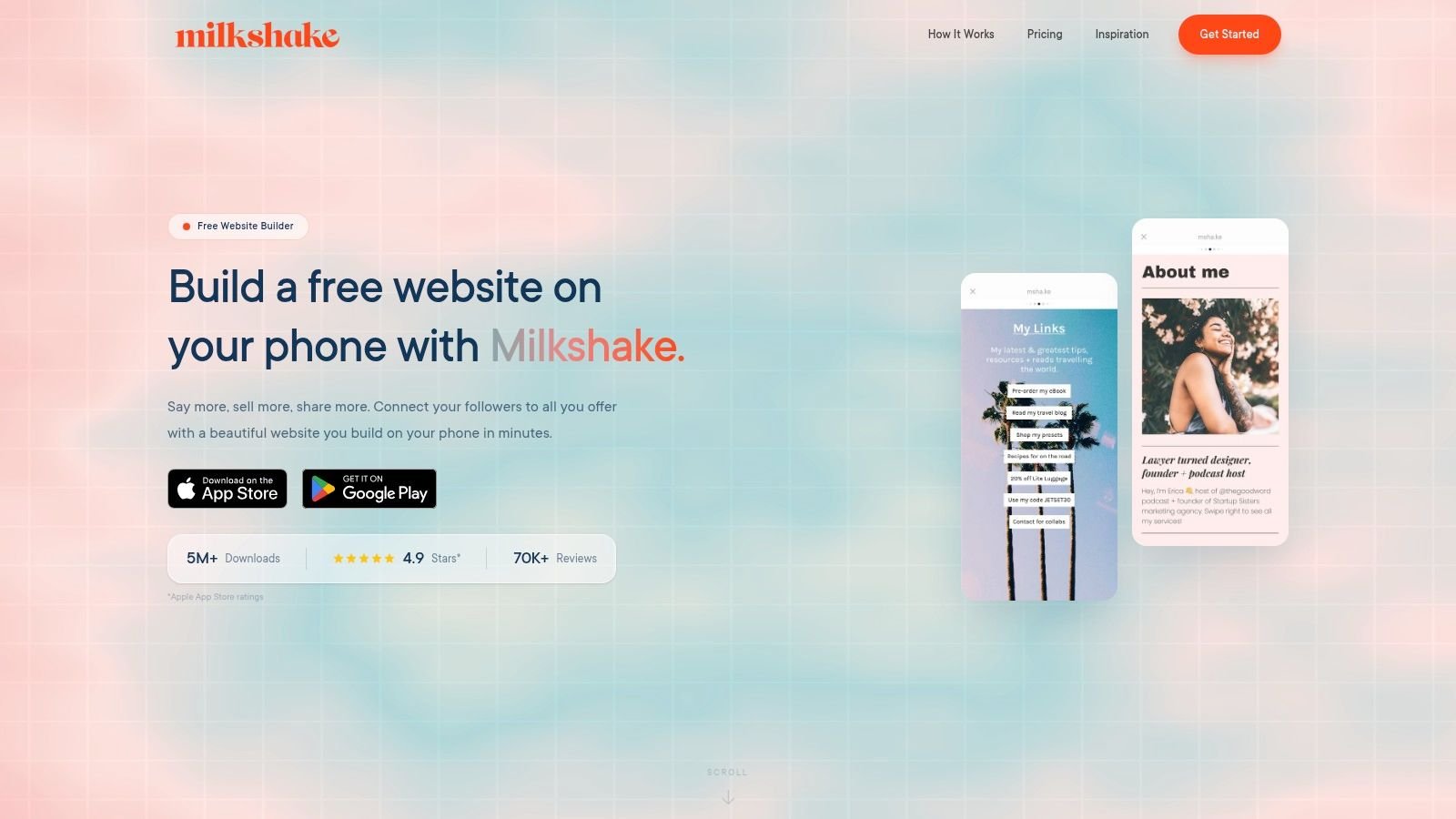
Milkshake is for people who live on their phones and want the bio page to feel like a mobile app task, not a desktop publishing project. That's its identity, and it sticks to it well.
The card-based setup is simple. You build a small mobile site made of sections for links, products, about info, and contact details, then update it directly from the app.
Best for phone first creators
Milkshake works well for early-stage creators, solo influencers, and side hustlers who don't want a complicated dashboard. If you mostly post, reply, and edit from your phone, the workflow feels natural.
Its limitations are also clear:
- Less analytics depth: Fine for basic use, weak for serious optimization.
- Fewer advanced integrations: You may need outside tools as your business matures.
- Less suited to complex funnels: Great for lightweight routing, not ideal for a layered conversion system.
There's another issue worth keeping in mind when comparing tools like this. Speed and mobile performance are still under-discussed in most roundup posts, even though mobile bio traffic often comes from Instagram, TikTok, and X, where losing attention during load can cost the click. AstroLink's roundup explicitly surfaces page load as a ranking criterion and highlights how little most comparisons test real-world mobile performance under constrained conditions (AstroLink's guide to link in bio tools).
If your priority is fast phone-based setup and low maintenance, Milkshake still earns its place on the shortlist.
Website: Milkshake
Top 10 Link-in-Bio Tools: Feature & Pricing Comparison
| Product | Core features | UX & Quality | Value / Pricing | Target audience | Unique selling points |
|---|---|---|---|---|---|
| Bio Links Page Builder 🏆 | Drag‑&‑drop blocks, unlimited links, YouTube/Spotify embeds, galleries, TinyURL | ★★★★☆ Mobile‑first templates; fast setup | 💰 Free to register & use (no public tiers) | 👥 Creators, small businesses, freelancers | ✨ White‑label removal, robust social integrations, SEO‑friendly 🏆 |
| Linktree | Unlimited links/embeds, storefront, scheduling, analytics | ★★★★☆ Polished, scalable UX | 💰 Free; Starter/Pro/Premium tiers (clear pricing) | 👥 Broad creators & small businesses | ✨ Marketplace, deep templates & analytics |
| Beacons | Storefront, memberships, email/DM automations, AI tools | ★★★★☆ Monetization‑focused experience | 💰 Free w/ sales fees; 0% fees on higher tiers | 👥 Creators focused on sales & subscriptions | ✨ Built‑in commerce + AI assistant (Beam); 0% fees on top tiers |
| Campsite.bio | Unlimited links, custom themes, domains, analytics, teams | ★★★★☆ Design‑forward; agency tools | 💰 Affordable Pro; Pro+ for advanced analytics | 👥 Designers, small brands, agencies | ✨ Team/collab features; lifetime analytics (Pro+) |
| Lnk.Bio | Multi‑page profiles, 100s templates, 147+ embeds | ★★★☆☆ Minimal, stable UI | 💰 Low cost; optional one‑time lifetime payments | 👥 Budget creators & long‑term users | ✨ Lifetime pricing options; large template library |
| Squarespace Bio Sites (bio.site) | Drag‑&‑drop templates, payments, bookings, capture forms | ★★★★☆ Squarespace aesthetics & polish | 💰 Free to create; paid Squarespace features optional | 👥 Creators wanting premium design without subscription | ✨ Integrated payments/bookings; strong design ecosystem |
| Later, Link in Bio | Unlimited buttons, linked posts, featured media, SEO | ★★★★☆ Seamless scheduling + reporting | 💰 Included in Later subscriptions (not standalone) | 👥 Social managers using Later | ✨ Auto‑update posts from scheduler; unified analytics |
| Flowpage (Flowcode) | Visual blocks, embeds, contact capture, Flowlytics integration | ★★★☆☆ Enterprise/QR‑oriented UX | 💰 Pricing tied to Flowcode plans; varies | 👥 Brands using QR codes, events, enterprises | ✨ QR → mobile journey + scan analytics integration |
| Taplink | Service blocks, price lists, forms, scheduling, timers | ★★★☆☆ Feature‑rich for businesses | 💰 Free & paid; multi‑month prepay discounts | 👥 Service providers & solo businesses | ✨ Business modules (appointments, pricing, visibility) |
| Milkshake | Mobile app cards, templates, in‑app editing & publishing | ★★★☆☆ Mobile‑native; very fast to publish | 💰 Free to start; paid extras for advanced features | 👥 Mobile‑first creators & casual users | ✨ App‑first card editor; publish/edit from phone quickly |
From Link to Launch Your Next Step
The best link in bio tools don't all solve the same problem. That's where most comparison articles go wrong. They rank products as if every user needs the same thing, when in practice the right choice depends on what the bio page is supposed to do.
If you're a creator selling digital products and you want the bio page to function like a mini storefront, Beacons is a better fit than a minimalist tool. If you run a service business and need forms, pricing, and bookings, Taplink makes more sense than a creator-first platform. If your team already schedules content in Later, using Later's own bio product is usually cleaner than adding a separate tool. If you want broad familiarity and a safe default, Linktree still does that job well.
Free versus paid is where people usually make the wrong call. Free plans are excellent when your needs are simple, your traffic is still developing, or you're validating what your audience clicks. They're less useful when you need custom domains, serious analytics, deeper branding control, collaboration, or built-in monetization. At that point, “free” often just means delayed friction.
Stan's platform overview makes an important point here. Analytics increasingly connect traffic to outcomes by showing what gets clicked, what converts, and how offers perform over time. That's the shift from a vanity page to something much closer to performance infrastructure. If a tool can't help you learn what your audience does, it stops being strategic and starts being decorative.
That's why Bio Links Page Builder stands out as a featured option in this list. It covers a wide range of practical use cases without immediately pushing you into a paid commitment. For bloggers, creators, freelancers, local businesses, and agencies, that combination is rare. You get a mobile-first page, unlimited links, multimedia blocks, brand-friendly presentation, and enough flexibility to build a real hub instead of a generic list.
One last point matters more than feature count. Keep the page focused. Too many bio pages fail because the owner keeps adding choices without deciding the main action. A strong page usually gives visitors a clear hierarchy: top offer first, proof or context second, supporting links after that. If you need help tightening those conversion moments, this piece on Revid.ai's call to action guide is useful.
Pick the tool that matches your actual workflow, not the one with the longest feature list. Build the page, trim the clutter, watch what people click, and update it often. That's how a bio link turns from a placeholder into a working acquisition asset.
If you want a free way to turn scattered social profiles, content, products, and contact points into one polished destination, try Bio Links Page Builder. It's fast to launch, easy to customize, and flexible enough for creators, small businesses, and agencies that need more than a basic link list.