

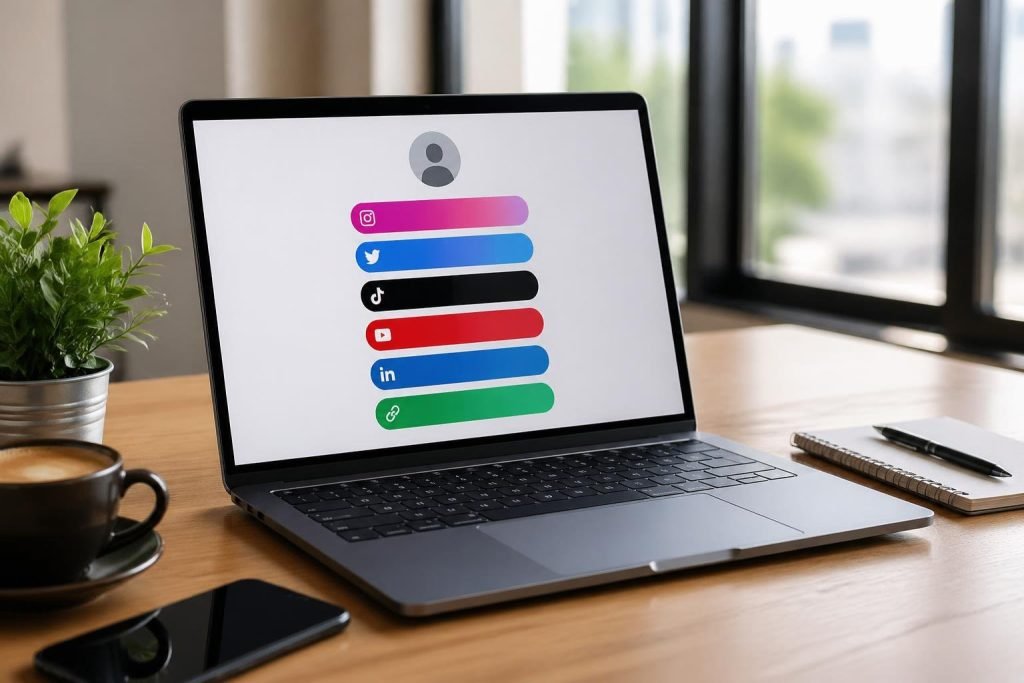
Social media platforms limit you to one clickable link in your profile, making it difficult to direct followers to multiple destinations like your website, shop, latest content, and social profiles. A free bio link page solves this problem by creating a single landing page that houses all your important links in one place, allowing you to maximize the value of that single bio link slot. This simple tool has become essential for anyone trying to drive traffic and conversions from platforms like Instagram, TikTok, and Twitter.

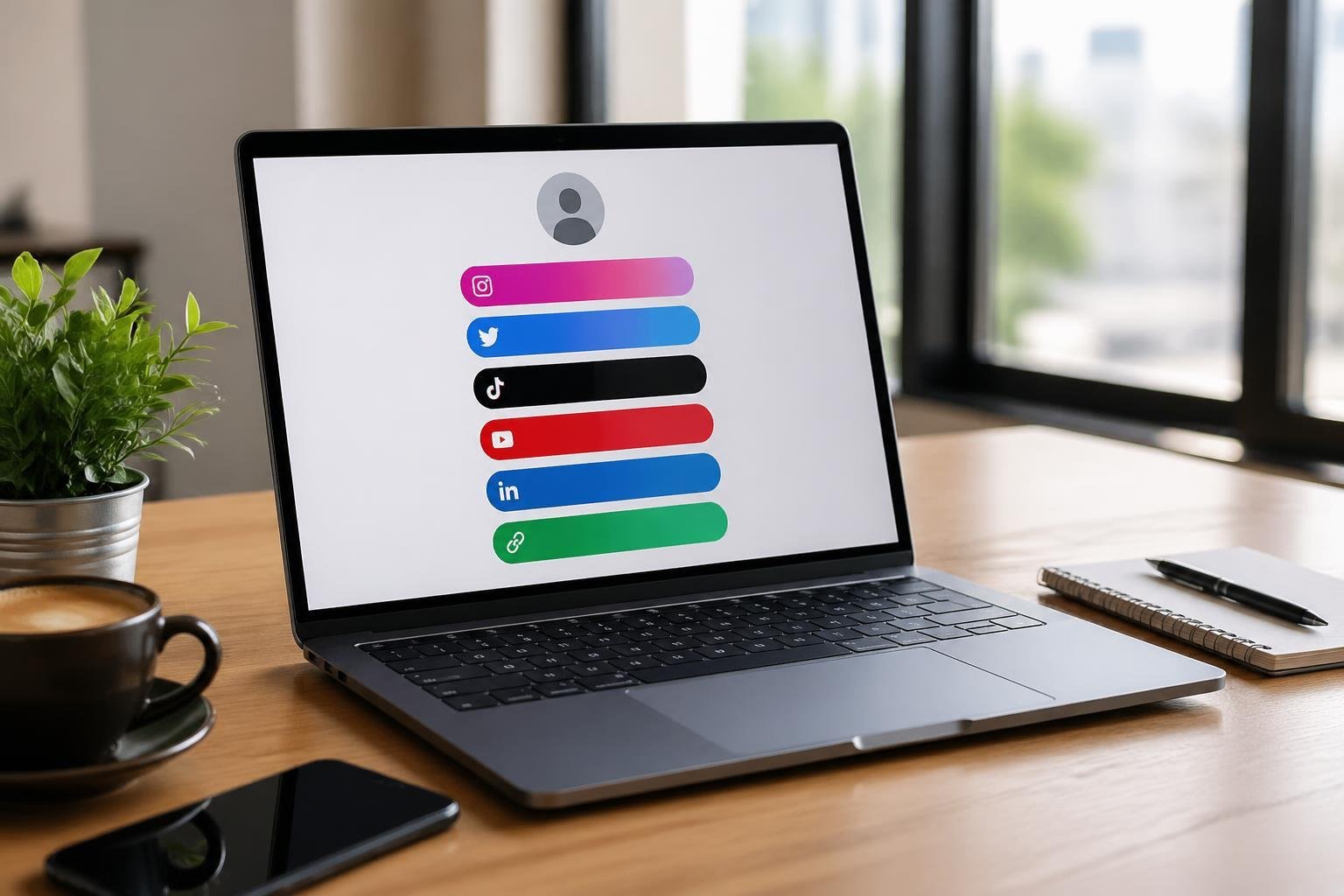
You don’t need to pay monthly subscription fees or deal with branded watermarks to create an effective link in bio page. Free options let you consolidate your links, customize the appearance to match your brand, and maintain full control over your online presence. Whether you’re a content creator, small business owner, musician, or freelancer, a bio link page serves as a mini-website accessible through your social media profiles.
The right free bio page can include features like custom domains, analytics tracking, unlimited links, and personalized themes without costing you anything. Understanding what to look for and how to set up your page effectively will help you turn profile visitors into engaged followers and customers.
Key Takeaways
- Free bio link pages let you share multiple destinations through a single URL in your social media profile
- You can create professional link in bio pages without paying subscription fees or displaying third-party branding
- Effective bio pages prioritize important links, use clear titles, and include customization options that match your brand identity
What Is a Free Bio Link Page?
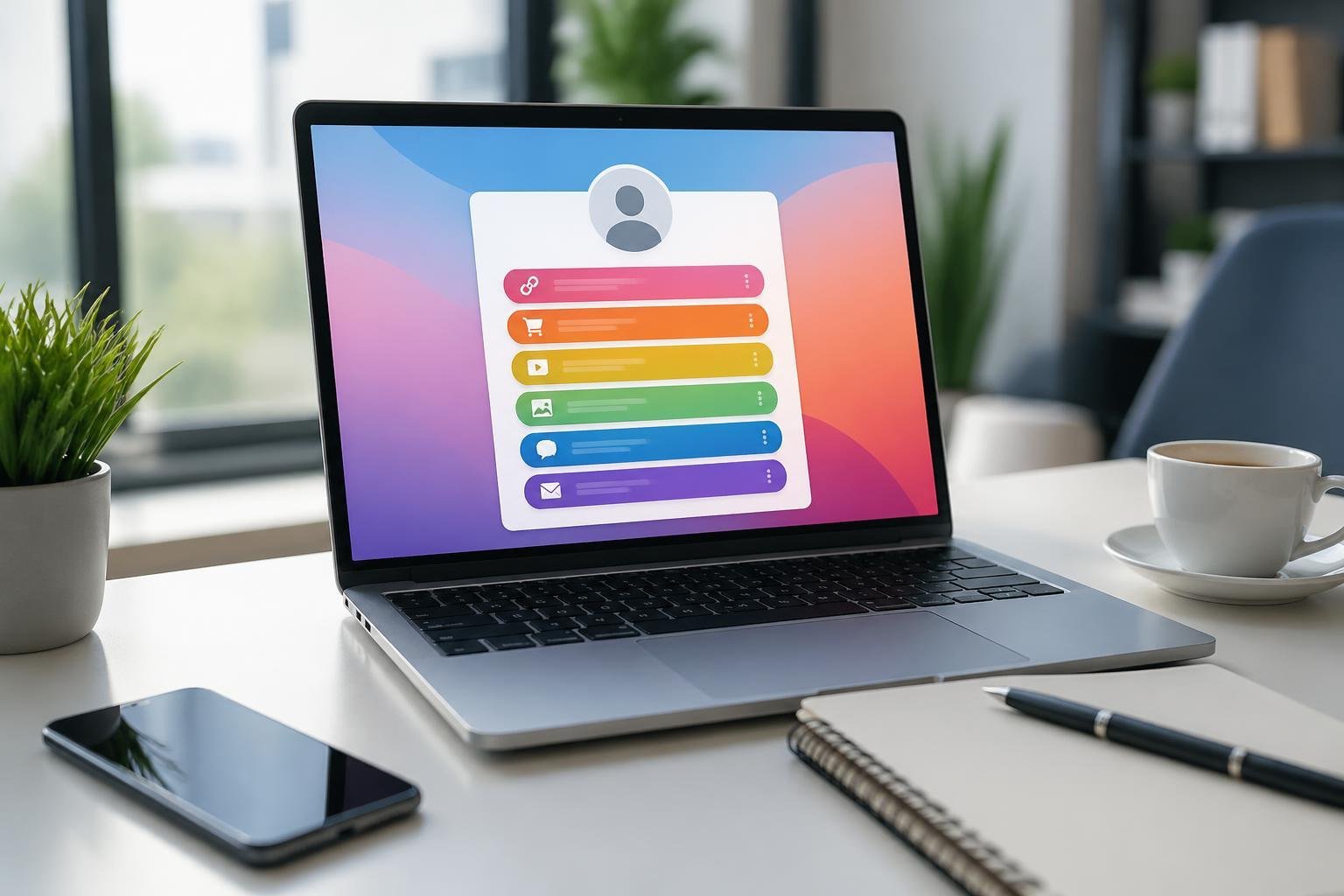
A free bio link page is a landing page that holds multiple links under one URL, designed specifically for social media profiles that restrict you to a single clickable link. These pages cost nothing to create and let you share your website, products, content, and social profiles through one link in your Instagram, TikTok, or other social media bio.
Single Link Concept Explained
Social platforms like Instagram and TikTok limit your bio to one clickable link. You can’t add links in captions or comments on Instagram, and TikTok only allows links once you hit certain follower thresholds. This single link restriction forces you to choose between sharing your website, your latest content, your shop, or your other platforms.
A bio link page solves this by serving as a hub. You place one URL in your bio field—something like biotree.bio/yourname or linktr.ee/yourname—and when someone taps it, they land on a mobile-optimized page displaying all your important links. They see everything at once and tap what interests them.
The concept works across all platforms with bio fields: Instagram, TikTok, X (formerly Twitter), LinkedIn, YouTube, Pinterest, Threads, and Snapchat. One link handles everything.
How Bio Pages Centralize Your Content
A bio page acts as your digital front door, organizing everything you want people to access in one scrollable view. Instead of updating your single bio link every time you have new content, you add it to your bio link page and your URL stays the same.
Your free bio page can include:
- Website and blog links
- Product shops and booking pages
- YouTube videos and podcasts
- Music streaming platforms (Spotify, Apple Music)
- Email signup forms
- Contact information
Tools like Biotree, Linktree, and others let you build these pages in under 60 seconds with no coding required. You pick a design, add your links with clear labels, and paste your unique URL into your social profiles. Updates happen instantly without changing your bio URL.
Key Features to Look For
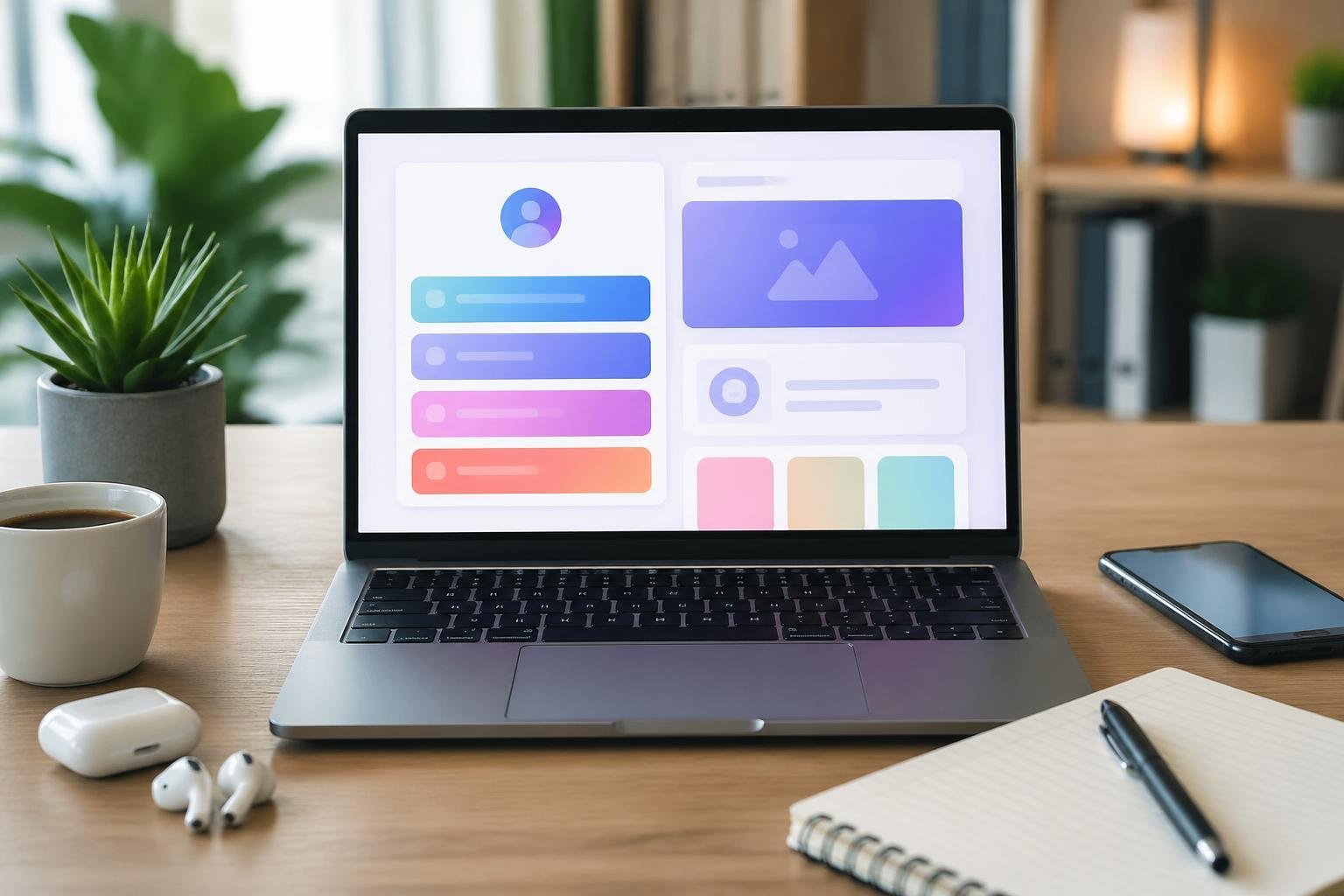
When selecting a free bio link page platform, certain features determine how effectively you can share content and track performance. The right combination of linking flexibility, visual customization, performance metrics, and sharing options makes the difference between a basic landing page and a powerful marketing tool.
Unlimited Links and Widgets
The ability to add unlimited links is fundamental for a bio link page. Many free platforms restrict the number of links you can display, forcing you to choose between important content or upgrade to paid plans.
Look for services that let you add as many links as needed without artificial limitations. This flexibility allows you to share social profiles, blog posts, products, videos, and any other content simultaneously.
Widgets expand functionality beyond simple links. These components can display embedded videos, product galleries, contact forms, or social media feeds directly on your bio page. The best platforms include diverse widget options that transform your page into an interactive hub rather than just a list of URLs.
Customization and Branding Options
Your bio link page should reflect your personal or business identity. Customization options let you match the page to your existing brand aesthetic rather than settling for generic templates.
Essential customization features include the ability to adjust brand colors, fonts, button styles, and background images. These elements create visual consistency across your online presence. More advanced platforms offer layout controls and the option to add custom CSS for precise design adjustments.
A custom domain elevates your professional image significantly. Instead of sharing a generic URL like “platform.com/yourname,” you can use “yourdomain.com” or a branded subdomain. While some platforms reserve this feature for paid tiers, others include basic custom domain support in their free plans.
Analytics and Click Tracking
Built-in analytics reveal which links resonate with your audience and when they engage most. Without this data, you’re operating blindly and missing opportunities to optimize your content strategy.
Basic analytics should track clicks on each individual link, giving you clear metrics on what content drives the most traffic. Advanced analytics expand this with geographic data, device types, and referral sources that show where your visitors originate.
Real-time tracking allows you to monitor campaign performance as it happens. This immediate feedback is valuable when launching new products, promoting time-sensitive content, or testing different link arrangements to see what performs best.
QR Codes and Sharing Methods
QR codes bridge physical and digital marketing by letting people access your bio link page instantly with their phone camera. Look for platforms that generate QR codes automatically for your bio page.
These codes work well on business cards, product packaging, event materials, or printed advertisements. The best implementations let you customize QR code colors and add your logo to maintain brand consistency.
Additional sharing methods increase your reach beyond social media bios. Some platforms provide embeddable widgets for websites, shareable cards for messaging apps, or formatted versions optimized for different social networks. Multiple distribution channels ensure your bio link page reaches audiences wherever they interact with your brand.
Popular Use Cases
Free bio link pages serve different goals depending on who uses them. Creators consolidate content, artists display portfolios, businesses drive sales, and event organizers manage bookings.
For Creators and Influencers
You need a single hub when your audience follows you across YouTube, TikTok, Instagram, and podcasts. A free bio link page lets you organize all those destinations without forcing followers to search. Place your newest video at the top, keep your affiliate links visible, and add a support button for tips or memberships.
Many creators also use these pages to grow their following by linking to platforms where they want more engagement. If you go live on Twitch but post clips on Instagram, your bio page can guide viewers to both. You can rotate promotional links during product launches or collabs without changing your profile link each time.
Email capture blocks help you build a list outside social platforms. Some free tools include simple forms that let visitors subscribe before they leave. This works well when you want direct contact with your audience instead of relying only on algorithm-driven feeds.
Artists, Musicians, and Portfolio Showcases
Your portfolio needs quick access points. A bio link page gives you buttons for your website, online shop, commission form, and social profiles in one place. Musicians can link to streaming platforms, merch stores, tour dates, and booking forms without cluttering a single landing page.
Visual artists benefit from layout options that support image blocks or featured work. You can highlight recent projects, link to print shops, and direct clients to contact forms. This keeps your Instagram bio clean while giving viewers a clear path to your full portfolio or product showcase.
Musicians often add links to multiple streaming services so listeners can choose their preferred platform. You can also feature a merch link alongside music links, making it easy for fans to support you through purchases or streams.
Businesses, Brands, and Online Stores
Your bio link becomes a small storefront when you add product categories, seasonal offers, and customer support links. Brands use these pages to direct traffic to specific collections, new arrivals, or limited-time promotions without rebuilding a full website.
Common business links:
- Product categories or featured items
- Online store homepage
- Customer support or FAQ page
- Booking or consultation forms
- Brand partnerships or collab announcements
Small businesses appreciate the flexibility during campaigns. You can move a sale link to the top during a promotion, then swap it out for a new product launch the next week. This keeps your Instagram or TikTok bio stable while your offers change.
Some free tools support basic e-commerce blocks, letting you display product images with prices and direct purchase links. This works well for brands that sell on multiple platforms or want to test products before investing in a full online store.
Promotions, Events, and Bookings
Event organizers rely on bio link pages to manage ticket sales, schedules, and venue details. You can add event links for upcoming shows, registration forms for workshops, or booking calendars for consultations. This keeps all time-sensitive information in one updatable location.
Promotions benefit from this format because you can prioritize links by urgency. Place early-bird tickets at the top, add a countdown, then move general admission links below. After the event, you can replace those links with recap content or next event announcements.
Service providers use booking links to simplify scheduling. If you offer coaching, consulting, or appointments, a bio link page can hold your calendar link, pricing details, and contact options. Clients reach the booking page in one click instead of navigating multiple profile sections or websites.
Essential Tools and Integrations
Free bio link pages work best when paired with the right platforms and integrations that extend their functionality. The tools you choose will determine how effectively you can manage your content, track your audience, and convert followers into customers.
Popular Link in Bio Platforms
Several platforms dominate the link in bio space, each offering distinct features for different needs. Linktree remains the most recognized option, providing a straightforward interface for creating a simple landing page with multiple links. Beacons focuses on creator monetization with built-in affiliate link management and brand sponsorship tools.
Later specializes in visual content integration, allowing you to make Instagram posts clickable and connect them directly to products or pages. Slashlink offers over 200 free templates and automatically displays your latest Instagram posts on your bio page. Ice.bio bundles URL shortening, QR code generation, and DNS hosting alongside its bio link features.
Trimrly and LNX provide real-time analytics to track clicks and audience growth. Most platforms offer free tiers with basic customization, while paid versions unlock custom domains, advanced analytics, and removal of platform branding.
Social and Content Integrations
Your bio link page needs to connect with the platforms where your audience already spends time. Most link in bio tools integrate directly with Instagram, TikTok, YouTube, and Twitter profiles. You can embed YouTube videos directly on your bio page rather than just linking to them.
Social links should appear prominently so visitors can follow you across multiple platforms. Contact forms enable direct communication without exposing your email address publicly. Some platforms offer built-in forms, while others integrate with external form builders.
Facebook Pixel integration lets you track visitor behavior and create retargeting campaigns based on who clicks through from your bio link. This tracking capability turns your bio page into a measurable marketing asset rather than just a link directory.
Advanced Marketing Tools
Email list building ranks among the most valuable integrations for long-term audience growth. Mailchimp integration allows you to collect subscribers directly from your bio page and automatically sync them to your email lists. This eliminates manual data entry and ensures immediate follow-up with new contacts.
Custom SEO settings let you optimize your bio page’s title tags and meta descriptions for search engines. Affiliate link tracking helps you measure which products drive the most sales when you promote multiple items. You can add up to five links per social post on platforms like Later, making it easier to direct followers to specific products or content.
Analytics dashboards show which links get the most clicks, what times generate peak traffic, and where your visitors come from geographically. This data helps you refine your content strategy and focus on what resonates with your audience.
Monetization and Engagement Opportunities
Free bio link pages offer built-in tools to generate revenue and capture audience attention. These features transform a simple link directory into an active business hub that collects leads and processes transactions.
Payment Buttons and Subscription Forms
Payment buttons let you accept money directly on your free bio page without redirecting visitors to external checkout systems. You can add buttons for one-time purchases, tips, or donations through integrations with PayPal, Stripe, and similar processors.
Subscription forms enable recurring revenue by letting followers subscribe to exclusive content, newsletters, or membership programs. Most free link in bio platforms support these forms without charging platform fees, though payment processor fees still apply. The setup typically requires connecting your payment account and adding a button or form block to your page.
Some platforms that are free forever include unlimited payment buttons, while others may limit the number of transactions or require upgrades for advanced features like automated receipts.
Email Collection and Lead Generation
Email capture forms turn casual visitors into owned contacts you can reach directly. These forms sit prominently on your free link in bio page, collecting subscriber information before visitors click through to other destinations.
Basic forms request just an email address, while advanced options gather names, phone numbers, or custom fields. The collected data typically exports to email marketing tools like Mailchimp, ConvertKit, or built-in CRM systems. You maintain full ownership of these leads regardless of algorithm changes on social platforms.
Free bio pages often include form customization options like welcome messages, redirect URLs after submission, and integration with automation workflows. This support for lead generation makes free tools competitive with paid alternatives for list building.
Engagement Features: Countdown Timers, Bookings, More
Countdown timers create urgency for product launches, sales, or event registrations displayed directly on your page. These timers count down to specific dates and automatically hide or update when the deadline passes.
Booking widgets let service providers accept appointments without leaving the bio page. Visitors select available time slots, which sync with your calendar through integrations with Calendly, Acuity, or native scheduling systems.
Additional engagement tools include video embeds, social media feeds, music players, and poll blocks that keep visitors on your page longer. Contact forms provide another support channel where followers can message you directly. These features work together to increase interaction rates and time spent on your free page.
Choosing the Right Platform and Pricing Considerations
Most bio link tools advertise free plans, but the real differences emerge in what features you get without paying and how much you’ll spend as your needs grow. Understanding pricing structures and platform limitations helps you avoid switching tools later when you discover your chosen free page can’t support a custom domain or handle product sales.
Free vs. Paid Bio Link Tools
Free link in bio tools typically include basic functionality like multiple links, simple customization, and page analytics. However, most platforms place their branding on your free page and restrict access to advanced design options or detailed visitor data.
The “free forever” promise varies significantly between platforms. Some tools genuinely offer unlimited links and basic features at no cost, while others limit the number of links, remove analytics entirely, or restrict scheduling capabilities. Transaction fees become critical if you plan to sell products through your bio page—many platforms that appear free actually take 5-10% of each sale.
Paid plans generally start around $24 per month and unlock features like removing platform branding, accessing detailed analytics, and using custom domains. You’ll want to calculate whether premium features justify the cost based on your specific goals, whether that’s professional branding, e-commerce integration, or advanced visitor tracking.
Custom Domain and White-label Options
Custom domains replace generic platform URLs with your own branded web address, making your link page appear more professional and trustworthy. Most free plans don’t support custom domains—you’ll need to upgrade to a paid tier.
White-label options remove all traces of the platform’s branding from your bio page. This feature matters most for businesses and established creators who want complete control over their brand presentation. Free plans almost always display the platform’s logo or name, while paid plans typically include full white-label capabilities starting at the basic paid tier.
Comparing Popular Options
When evaluating platforms, look beyond initial pricing to understand total costs. Here’s what to compare:
Key comparison factors:
- Monthly or annual subscription costs
- Transaction fees on sales
- Link limits on free plans
- Analytics depth and availability
- Custom domain support
- Shop and payment integration options
Some platforms excel at e-commerce features with built-in shop functionality, while others focus on content creators with scheduling and appearance customization. Test free versions before committing to paid plans, paying attention to whether the free tier genuinely meets your needs or if critical features require upgrading.
Frequently Asked Questions
Free bio link pages offer unlimited links, analytics, and custom design options without requiring payment or follower minimums. Most platforms provide step-by-step setup processes, click tracking, and design customization tools that work across Instagram, TikTok, and other social channels.
What are the best no-cost platforms to create a link-in-bio landing page?
MinglyLink provides unlimited links and analytics with no hidden costs. The platform includes custom design options and maintains its free tier permanently.
Bio Sites offers more than basic link lists by including features specifically designed for Instagram, TikTok, and YouTube profiles. Trimrly combines bio pages with URL shortening and QR code generation in one tool.
Biolinky allows you to track performance metrics while sharing multiple links through a single URL. EdgeURL includes both free and premium options with creator discovery features and custom domain support.
How do I set up a link-in-bio page for Instagram step by step?
You need to sign up for a free account on your chosen bio link platform. Most services complete the registration process in under two minutes.
After creating your account, add your links by entering the URLs and customizing the display text for each one. Arrange the links in order of priority based on what you want your audience to click first.
Copy the bio link URL provided by the platform. Navigate to your Instagram profile, tap “Edit Profile,” and paste the URL into the website field.
Can I add a website link to my Instagram bio without having 1,000 followers?
You can add one clickable link to your Instagram bio regardless of your follower count. Instagram allows all users to include a website URL in their profile’s designated link field.
The follower requirement does not apply to bio links. You gain access to this feature immediately upon creating your Instagram account.
How can I customize the design to make my bio page look more aesthetic?
Most free bio link tools offer customization options for colors, fonts, and layout styles. You can select background colors or upload custom images to match your brand identity.
Button styles and shapes are adjustable on many platforms. Some services provide pre-designed themes that you can apply with one click.
Custom domains remove platform branding and create a more professional appearance. Several free tools allow you to connect your own domain name without upgrading to a paid plan.
What features should I compare when choosing a free link-in-bio tool?
Analytics capabilities determine how much data you can gather about your audience. Look for platforms that track click counts, traffic sources, and engagement patterns without charging fees.
Link limits vary between services, with some offering unlimited links while others cap the number on free plans. Custom design options differ significantly, from basic color changes to full theme customization.
Integration support affects which platforms and content types you can connect. Check whether the tool supports video embedding, social media feeds, and third-party apps you currently use.
How do I add video links and track clicks from my bio page?
You can embed video links by pasting URLs from YouTube, TikTok, Vimeo, or other hosting platforms into your bio page editor. Many tools automatically generate video thumbnails and preview images.
Click tracking activates automatically on most free bio link platforms. Your dashboard displays metrics showing how many times each link was clicked and when the traffic occurred.
Real-time analytics update as visitors interact with your page. You can monitor which videos generate the most engagement and adjust your link placement accordingly.