
TikTok has become one of the most influential social media platforms, with millions of creators sharing short-form videos daily. Whether you’re new to the platform or looking to improve your content, understanding the fundamentals of TikTok video creation will help you produce engaging videos that resonate with your audience.
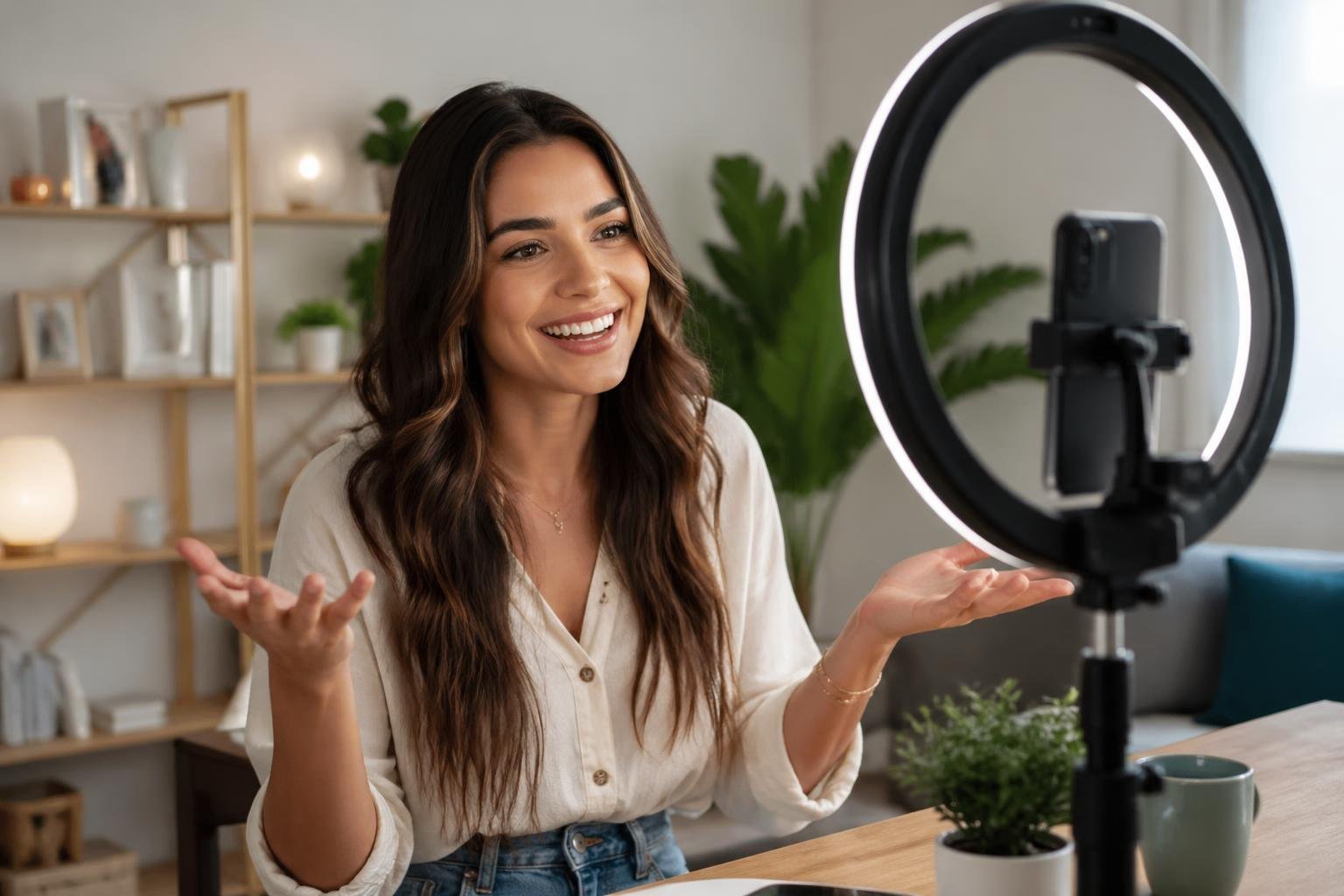
Creating compelling TikTok videos involves mastering a combination of filming techniques, editing tools, creative features, and audience engagement strategies. The platform offers built-in camera tools and effects, while third-party editors like Canva, Kapwing, and CapCut provide additional capabilities for enhancing your content. Many creators now use AI-powered generators to streamline their workflow and produce videos more efficiently.
This guide walks you through the complete process of making TikTok videos, from basic filming and editing steps to advanced customization options. You’ll learn how to leverage music and sound effects, use trending features effectively, and apply strategies that help your content stand out in a crowded feed.
Core Steps to Crafting TikTok Videos
Successful TikTok content creation involves planning your concept, recording quality clips, leveraging built-in templates, and applying professional-looking effects. These steps form the foundation of an effective editing experience that helps your content stand out.
Planning Your Video Concept
Before you create TikTok video content, you need a clear idea of what you want to communicate. Start by identifying your target audience and the type of content that resonates with them.
Consider trending topics in your niche and how you can add your unique perspective. Write down your main message in one sentence to keep your focus sharp.
Outline the key moments you want to capture, including your opening hook, main content, and call-to-action. Your first three seconds are critical for viewer retention, so plan something visually striking or intriguing to grab attention immediately.
Check the length requirements for your content type. Most engaging TikTok videos range from 15 to 60 seconds, though longer formats are available for educational or storytelling content.
Recording Engaging Clips
Open the TikTok app and tap the plus icon to access the TikTok video maker. You’ll see recording options including standard video, templates, and photo mode.
Hold the red record button to capture footage, or tap it once to start recording and again to stop. This allows you to create multiple clips within a single video.
Pay attention to lighting by positioning yourself facing a natural light source or using ring lights. Keep your phone steady or use a tripod to avoid shaky footage.
Frame your shots using the rule of thirds for visual appeal. Position important elements slightly off-center rather than directly in the middle of your frame.
Record multiple takes of each segment to give yourself options during editing. Capture B-roll footage that supports your main content for added visual interest.
Utilizing TikTok Templates for Inspiration
Access the TikTok template library by selecting the template option in the video creation menu. Templates provide pre-made structures with built-in timing, transitions, and effects.
Browse templates by category or search for specific styles that match your content goals. Each template shows a preview so you can see how your content will look before committing.
Select a template and add your photos or video clips to the designated slots. The template automatically applies timing and transitions based on its design.
Templates are particularly useful when you’re starting out or need to produce content quickly. They ensure professional-looking results without requiring extensive editing knowledge.
Adding Transitions and Visual Effects
Transitions connect your video clips smoothly and maintain viewer engagement. Access the transitions menu after recording your clips by tapping the transitions icon in the editor.
Common transition types include:
- Slide: Clips slide in from different directions
- Zoom: Creates smooth zoom effects between clips
- Fade: Gradual blending between scenes
- Glitch: Quick, energetic cuts for dynamic content
Apply effects from the effects library to enhance your visual style. Effects range from subtle filters to dramatic animations that transform your footage.
Time your transitions to match music beats for a polished feel. The editing experience improves when audio and visual elements work together harmoniously.
Test different combinations of transitions and effects, but avoid overusing them. Two to three well-placed effects often work better than overwhelming your audience with constant visual changes.
Essential Features of Leading TikTok Video Editors
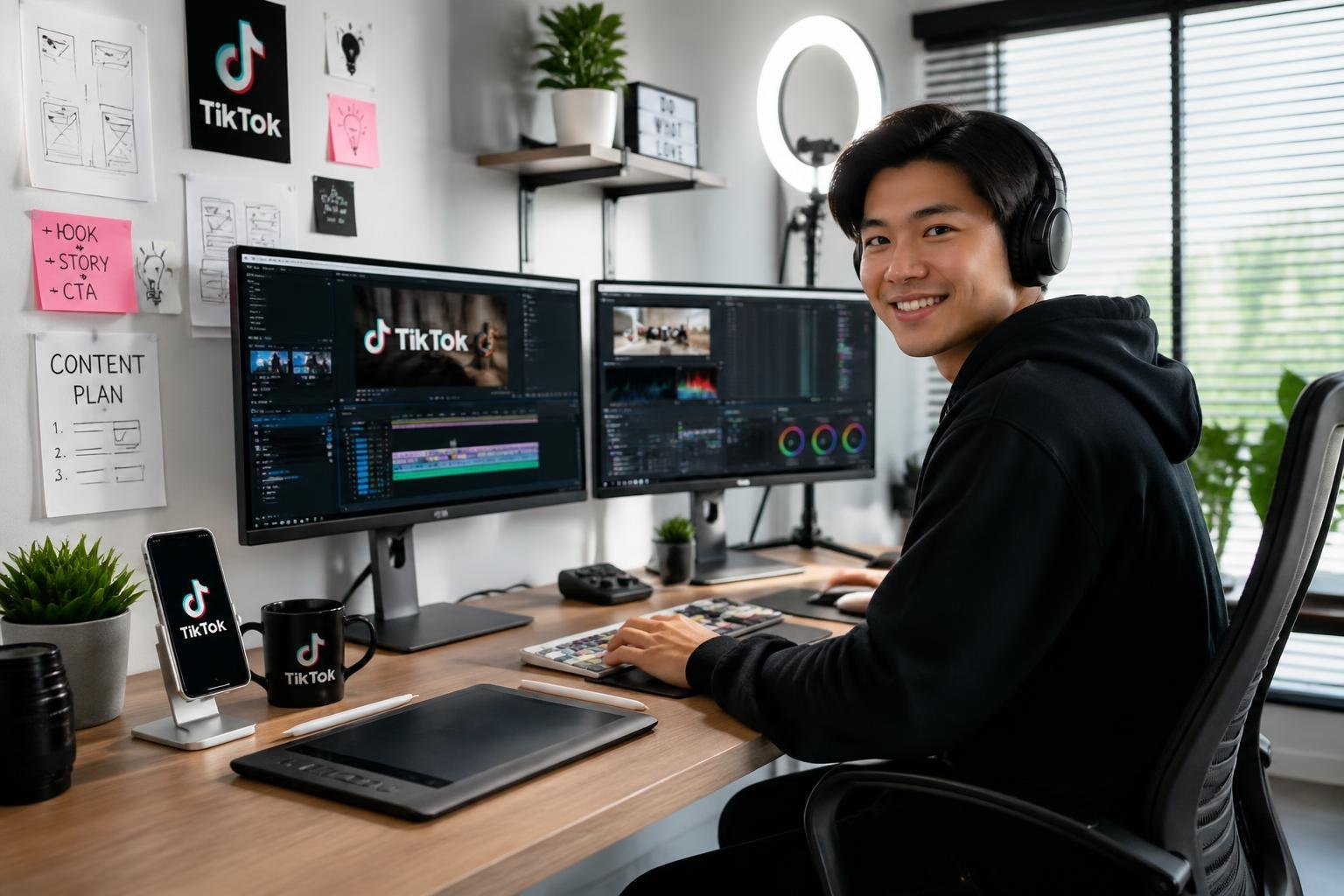
Modern TikTok video editors balance simplicity with powerful capabilities, offering both free and premium tools that help you create professional content. The best platforms provide intuitive interfaces, flexible pricing models, and features that maintain your visual identity across all videos.
User-Friendly Online Tools
An online video editor eliminates the need for downloads or installations, letting you edit directly in your browser. These web-based platforms work across devices, so you can start editing on your laptop and continue on your tablet without compatibility issues.
The best online tools load quickly and handle multiple video formats without requiring technical expertise. You’ll find that cloud-based editing also means your projects save automatically, protecting your work from unexpected crashes or power outages.
Look for platforms that offer real-time previews and responsive controls. Your edits should display instantly, allowing you to adjust timing, effects, and transitions without waiting for rendering.
Drag-and-Drop Editing Experience
Drag-and-drop functionality transforms complex video editing into a straightforward process. You can arrange clips on a timeline by simply clicking and moving them to the desired position, eliminating the learning curve associated with traditional editing software.
This interface style extends beyond clip arrangement. You can drag music files onto your video, drop text boxes where you want them to appear, and position stickers or effects with precision.
The best TikTok video editor platforms include magnetic timelines that snap elements together, preventing gaps or overlaps in your content. You can also duplicate successful elements by dragging them to new positions, speeding up repetitive editing tasks.
Free Versus Premium Options
A free TikTok video editor typically includes core features like trimming, basic transitions, and music integration. These tools work well for testing platforms and creating simple content without financial commitment.
Premium options unlock advanced capabilities such as:
- Extended media libraries with licensed music and stock footage
- Advanced effects including green screen and motion tracking
- Higher export quality without watermarks
- Priority rendering for faster project completion
- Expanded storage for your video projects and assets
Free versions often limit export resolution or add platform watermarks to your finished videos. Premium subscriptions remove these restrictions while providing regular feature updates and customer support.
On-Brand Video Creation
A brand kit centralizes your visual identity elements within your editing platform. You store logos, color palettes, fonts, and templates in one accessible location, ensuring consistency across every video you produce.
This feature becomes essential when managing multiple content creators or maintaining a professional presence. Your team can access approved assets without searching through files or requesting design elements.
Advanced brand kits include pre-built templates that automatically apply your colors and fonts to new projects. You can create intro sequences, lower thirds, and end screens that match your established style, reducing editing time while strengthening brand recognition across your TikTok content.
Maximizing Creativity with AI Video Generators
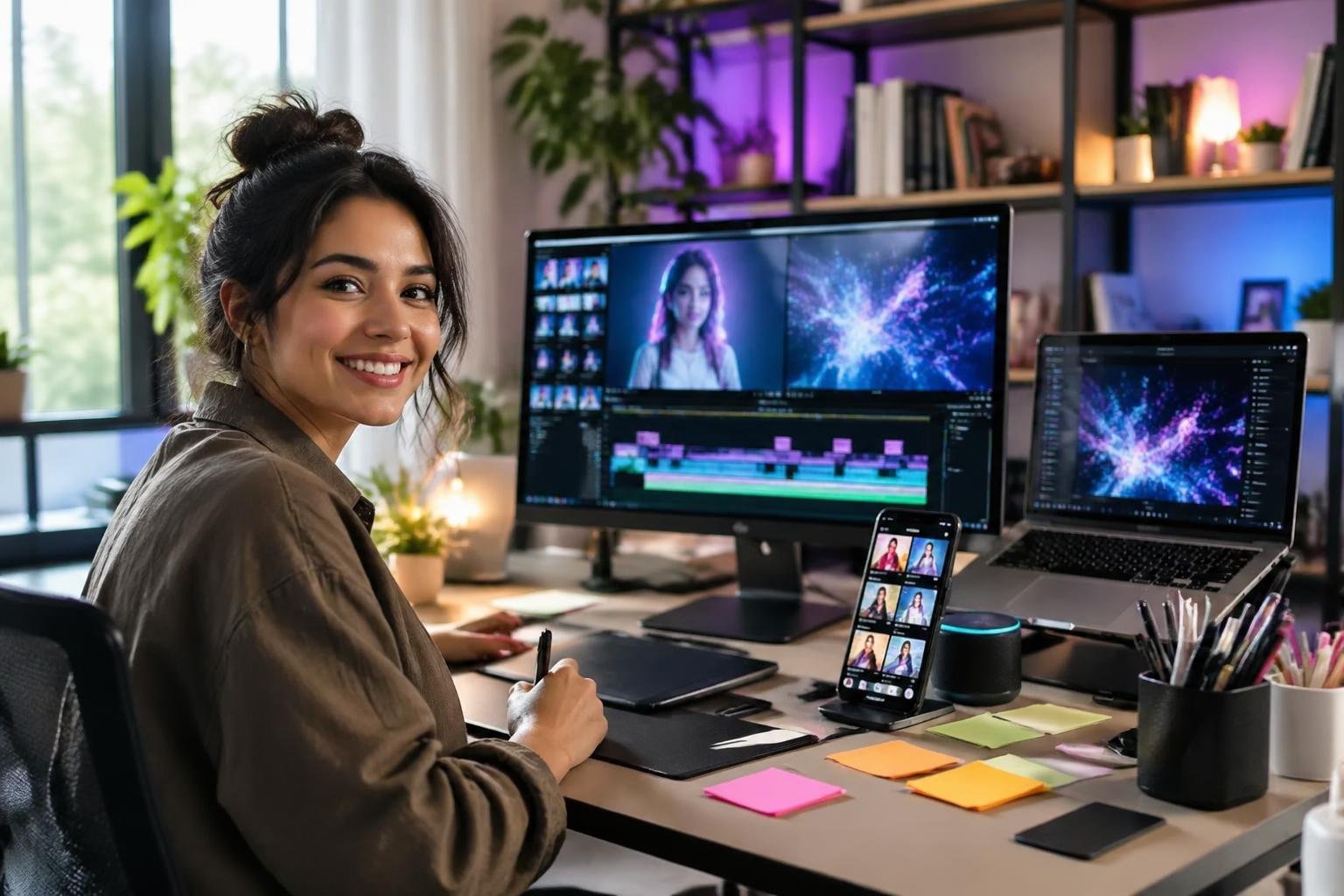
AI video generators transform how creators approach TikTok content by automating technical tasks while expanding creative possibilities. These tools handle everything from script conversion to voiceover production, letting you focus on ideas rather than execution.
AI Script to Video Capabilities
Modern AI video generators convert written scripts directly into polished video content without manual editing. You provide the text, and the software selects relevant visuals, applies transitions, and syncs everything to match your narrative flow.
These systems analyze your script to determine pacing and visual requirements. They pull from stock footage libraries or generate custom animations based on context. CapCut and InVideo both offer this functionality, allowing you to adjust visual selections after the initial generation.
The best AI video generator tools for this purpose include templates optimized for TikTok’s 9:16 aspect ratio. You can specify style preferences like energetic, professional, or casual to influence visual selection. This ensures your output matches your brand without requiring design expertise.
Automated Voiceovers and Narration
AI voice generator technology eliminates the need for recording equipment or voice actors. You type your narration text, select a voice profile, and the system generates natural-sounding audio in seconds.
Most platforms offer dozens of voice options across different accents, ages, and tones. You can preview multiple voices to find one that matches your content style. Some tools let you adjust speaking speed, emphasis, and emotional tone for specific words or phrases.
Voiceovers integrate automatically with your video timeline. The AI synchronizes audio with visual elements and can add captions that highlight words as they’re spoken. This combination increases engagement rates, particularly for viewers watching without sound.
Effortless Video Generation from Text Prompts
Text-to-video generation represents the simplest entry point for TikTok content creation. You describe your desired video in plain language, and the AI handles all production steps.
Platforms like Canva and VEED accept prompts such as “create a 30-second video about morning routines with upbeat music.” The system interprets your request, selects appropriate footage, adds effects, and outputs a complete video. You can refine results by adding specific details about colors, mood, or visual elements.
This approach works best for concept testing and rapid content production. You can generate multiple variations from slightly different prompts to see what resonates with your audience. The speed allows for daily posting schedules without extensive time investment.
Elevating Content with Music, Sound Effects, and Voice
Audio elements shape how viewers experience your TikTok videos, directly influencing engagement and retention. The right combination of music, sound effects, and voiceovers transforms basic footage into compelling content that resonates with your audience.
Selecting Background Music
Background music sets the emotional tone and pacing of your video. TikTok’s built-in music library offers thousands of licensed tracks, organized by trending sounds, genres, and moods.
You can browse trending audio to capitalize on viral moments or search for specific songs that match your content’s energy. The platform indicates which songs are popular, helping you make informed choices that increase discoverability.
Consider the tempo and mood carefully. Upbeat tracks work well for energetic content like tutorials or product showcases, while slower melodies suit storytelling or emotional moments. You can adjust volume levels to ensure the music complements rather than overwhelms your message.
Key considerations when selecting music:
- Trending status – Popular sounds increase visibility in the algorithm
- Copyright compliance – Use TikTok’s library to avoid violations
- Duration – Match song length to your video’s runtime
- Lyrics – Ensure words align with or enhance your message
Incorporating Sound Effects
Sound effects add dimension and emphasize specific moments in your videos. These audio cues draw attention to transitions, reactions, or key actions within your content.
TikTok’s effects library includes categories like visual effects with synchronized sounds, ambient noises, and comedic sounds. You access these through the editing interface after recording or uploading your footage.
Strategic placement matters more than quantity. A well-timed whoosh during a transition or a subtle click when revealing text keeps viewers engaged without causing distraction. Layer sound effects sparingly to maintain clarity and prevent audio clutter.
Adding Dynamic Voiceovers
Voiceovers provide narration, context, or personality to your videos. You can record your own voice directly in TikTok or use the platform’s text-to-speech voice generator for automated narration.
Recording your own voiceover creates authentic connection with viewers. Speak clearly, maintain consistent pacing, and ensure your audio quality remains clean by recording in quiet environments. You can re-record segments until you achieve the desired delivery.
The voice generator converts written text into spoken audio, offering multiple voice options and languages. This feature suits creators who prefer anonymity or need multilingual content. Type your script, select a voice style, and the system generates the audio automatically.
Voiceover best practices:
- Keep scripts concise and conversational
- Match energy levels to your content type
- Adjust volume to balance with background music
- Use pauses strategically for emphasis
Customizing Your TikTok Videos for Maximum Impact
Customization transforms basic footage into compelling content that resonates with viewers and drives engagement. Strategic use of text elements, dynamic stickers, and proper formatting ensures your videos display correctly across devices while maintaining professional quality.
Text, Captions, and Subtitles
Text overlays serve as powerful tools to reinforce your message and keep viewers engaged even when watching without sound. You can add captions directly through the TikTok template editor by tapping the text icon after recording your video.
Position your text in the center or upper portion of the screen to avoid interference with the interface elements. Use bold, high-contrast fonts that remain readable on small screens. Limit each text block to 5-7 words for quick comprehension.
Animated captions that sync with your speech add a professional touch to your editing experience. TikTok’s built-in auto-captions feature transcribes your audio, though you should review and correct any errors before posting. Breaking longer statements into multiple text frames maintains viewer attention and creates natural pacing throughout your video.
Utilizing Stickers and Animations
Stickers and animations inject personality and visual interest into your content without requiring advanced editing skills. The TikTok sticker library includes trending elements, emojis, GIFs, and location tags that enhance storytelling.
Apply stickers strategically to emphasize key points or add humor without cluttering the screen. Pin stickers to moving objects in your video using the tracking feature for dynamic effects. Time-based stickers that appear and disappear at specific moments create professional transitions between scenes.
Interactive stickers like polls, quizzes, and Q&A prompts boost engagement metrics. Place these elements where they’re easily visible but don’t obstruct important visual content or your face during close-ups.
Optimizing Ratios and Safe Zones
TikTok uses a 9:16 vertical format optimized for mobile viewing. Recording in this ratio ensures your content fills the entire screen without awkward cropping or black bars.
Keep critical elements within the safe zone boundaries to prevent overlap with UI elements:
- Top safe zone: 120 pixels from the top edge
- Bottom safe zone: 250 pixels from the bottom edge
- Side margins: 60 pixels from each edge
When you edit TikTok videos, preview them before posting to verify text and visual elements remain visible. The profile icon, description text, and engagement buttons occupy specific screen areas that can obscure poorly positioned content. Test your videos on different devices to ensure consistent viewing quality across various screen sizes.
Strategies for Engaging Audiences and Leveraging Trends
Success on TikTok requires active participation in platform trends and consistent engagement with your community. The algorithm rewards content that sparks interaction, making strategic audience engagement essential for visibility.
Participating in TikTok Challenges
TikTok challenges represent one of the most effective ways to increase your content’s reach. When you participate in trending challenges, you tap into existing search traffic and user interest, which boosts your visibility on the For You page.
You should monitor the Discover page daily to identify emerging challenges before they peak. Early participation gives you a competitive advantage. Add your unique perspective to challenges rather than simply copying what others do.
Use the original sound or hashtag associated with each challenge to ensure your content appears in relevant search results. Your video should maintain the challenge’s core concept while incorporating your brand personality or creative angle. This balance helps you stand out while remaining recognizable as part of the trend.
Collaborative Video Creation
Duets and stitches allow you to create TikTok videos that build directly on other users’ content. These features increase your exposure to new audiences by linking your profile to established creators.
When you duet a video, you appear side-by-side with the original content, creating opportunities for reactions, commentary, or complementary performances. Stitches let you use up to five seconds of another video before adding your own content, which works well for responses or tutorials.
Target collaborations with creators whose audience aligns with yours. You can also invite direct collaborations through TikTok’s built-in tools. Tag collaborators and use relevant hashtags to maximize discovery potential for both parties.
Consistency and Community Building
Regular posting schedules train the algorithm to recognize you as an active creator while building audience anticipation. You should post at least 3-5 times per week to maintain momentum.
Respond to comments within the first hour of posting to boost engagement metrics. Create follow-up videos addressing common questions or feedback from your audience. Use polls, Q&A features, and question stickers to encourage direct interaction.
Build loyalty by acknowledging regular commenters and featuring user-generated content related to your videos. Your engagement rate matters more than follower count for algorithmic promotion, making community interaction a priority over vanity metrics.
Pingback: AI Web Tools: Essential Solutions for Modern Web Developers - One URL
Pingback: TikTok Video Generation How To: A Complete Guide for AI-Powered Content – Bio Link Builder Platforms
Pingback: How to Get More Social Shares: Proven Strategies for Rapid Growth – Bio Link Builder Platforms
Pingback: AI Video Generator for YouTube Shorts: Viral Guide 2026