
You need one page that works today. A clean mobile link hub for Instagram, a simple service page that can collect leads, or a focused portfolio with a booking link and contact details in one place.
The right builder depends on that job. A creator who mainly needs links, social buttons, and basic monetization should not shop the same way as a consultant who needs forms, sections, and stronger branding control. I have built both, and the wrong choice usually shows up fast in two places: setup time and what you have to pay to remove limitations later.
That is the lens for this guide. Instead of treating every tool like it solves the same problem, this list groups one-page builders by primary use case, from simple bio link tools to fuller website builders that can handle landing pages, portfolios, and small business sites. The comparison table later matters because feature lists alone hide the true trade-offs. Some tools are faster to publish but hard to customize. Others give you design freedom, custom domains, and better SEO control, but they take more setup.
If you are building alone, a lightweight stack usually works better than an oversized one. A one-page site plus basic automation is often enough to test an offer, collect emails, or route visitors to the right next step. If you are comparing creator storefront tools too, this guide to Stan Store alternatives is useful context, even if the anchor text is more generic than I would normally use.
Table of Contents
- 1. Bio Links Page Builder
- 2. Carrd
- 3. Linktree
- 4. Beacons
- 5. Solo.to
- 6. Lnk.Bio
- 7. Bio Link bio.link
- 8. Dorik
- 9. Umso
- 10. Framer
- Top 10 One-Page Website Builders Comparison
- Final Thoughts
1. Bio Links Page Builder
If your real need is a mobile-first hub rather than a traditional website, Bio Links Page Builder is the strongest practical pick here. It's built around the exact workflow individuals often experience: scattered links, social profiles, videos, products, articles, and contact points that need to live on one clean page fast.
The builder focuses on drag-and-drop speed. You can add unlimited links, videos, galleries, product showcases, blog-style blocks, service listings, opening hours, and contact options without code. That matters more than it sounds. Most one-page projects fail because the page starts simple, then turns into a patchwork of embeds, workarounds, and mismatched tools.
Why it stands out
Bio Links Page Builder also handles the polish layer that many free tools miss. White-label removal helps the page look like your brand instead of an ad for the platform. A Tiny URL makes it easier to share across bios, posts, DMs, and printed materials. Social-signal integrations across Instagram, TikTok, YouTube, WhatsApp, LinkedIn, Pinterest, Reddit, GitHub, and more make it useful for creators, freelancers, and local businesses that pull attention from multiple channels.
Practical rule: If the page needs to be updated weekly from your phone, choose a builder that treats content blocks as modules, not design objects.
That's where this tool feels more operational than decorative. You can reorder blocks, toggle them on and off, and keep the page focused on action instead of overdesign. For bloggers and creators comparing selling and bio tools, this pairs well with a broader guide to Stan Store alternatives.
Best fit
This is the one I'd put in front of most creators, writers, solo operators, and small businesses first. It works especially well when you need:
- A fast launch: Build a professional page in minutes without touching code.
- A richer-than-basic link hub: Add media, products, articles, and service information in one place.
- Cleaner branding: Remove platform branding and share a shorter, neater URL.
- Cross-platform traffic capture: Route audiences from social channels into one destination.
The trade-off is straightforward. The provided materials don't spell out advanced analytics, A/B testing, or deep commerce workflows, so serious sellers should verify those before going all in. But for a free, no-code one-page hub, it solves the most common real-world problem better than most general site builders do.
2. Carrd
Carrd is what I recommend when someone says, “I need one page, I need it clean, and I don't want to think too hard.” It's lightweight, fast to understand, and good at simple personal sites, landing pages, waitlists, and stripped-down portfolios.
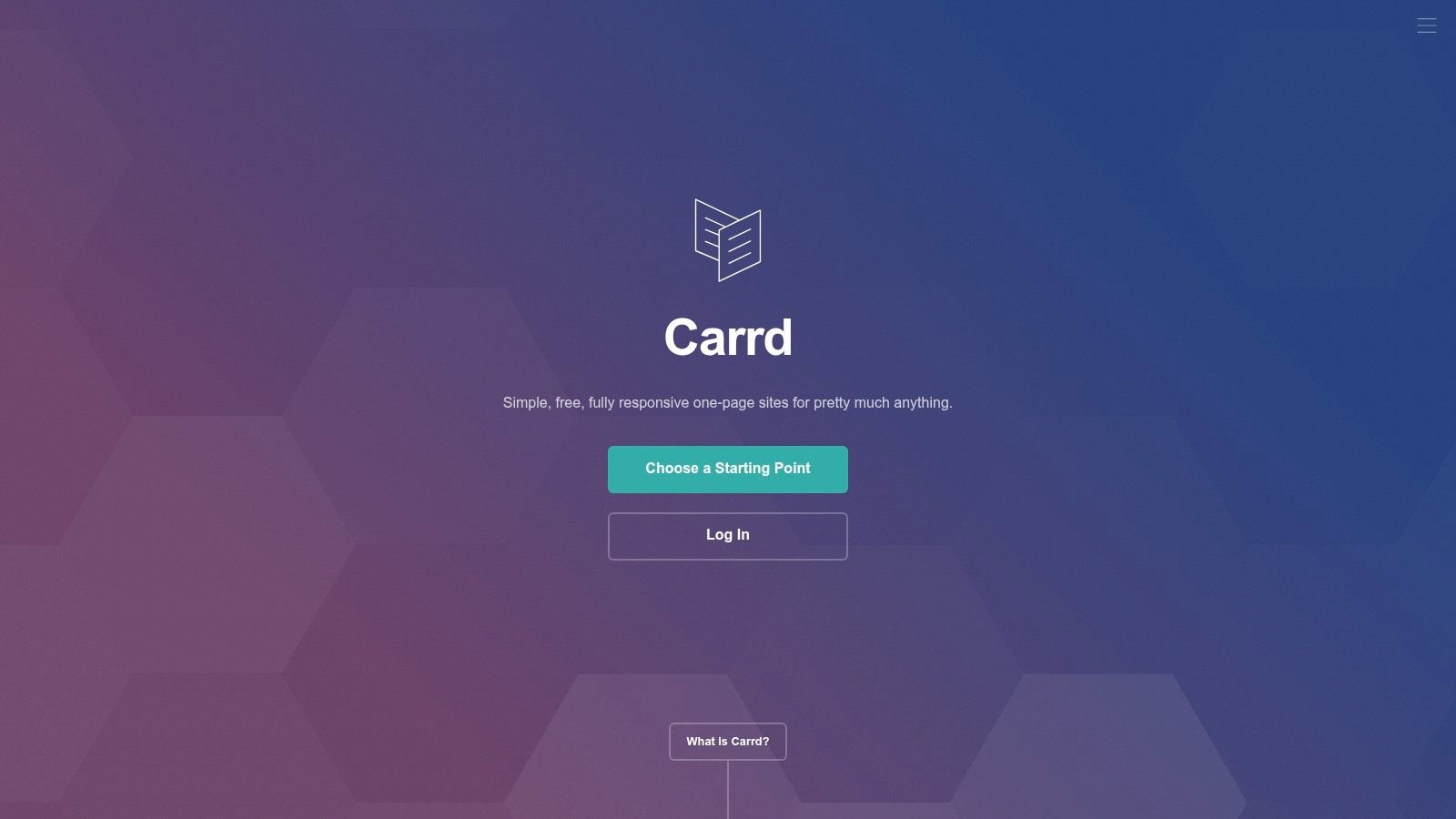
Carrd's strength is restraint. The editor doesn't try to become an all-in-one business stack. You get responsive controls, sections, embeds, forms, and the option to publish multiple sites on paid plans with custom domains and no branding. That's enough for a lot of one-page use cases.
Where Carrd works best
If your page has one job, Carrd usually does it well. Think speaker page, profile page, newsletter signup, event page, or lead magnet landing page. It's also one of the easier tools to keep visually tidy because the template system nudges users toward simpler layouts.
Keep the page short if you use Carrd. It handles focused pages better than dense, everything-in-one-place hubs.
The trade-off is ceiling, not floor. Carrd isn't the right choice if you expect to grow into a richer creator storefront, a more complex site structure, or a page that needs lots of dynamic content blocks. It's also annual billing only, which some users won't love.
Still, for budget-conscious users who want a polished one-pager without friction, Carrd remains one of the cleanest options on the market.
3. Linktree
Linktree is the default answer for a reason. It's widely recognized, easy to set up, and broad enough to cover links, embeds, basic selling, analytics, and integrations without much technical effort.
The biggest benefit is familiarity. If you work with creators, influencers, or small teams who need something everyone already understands, Linktree reduces training and setup friction. It supports unlimited links, templates, analytics, email integrations, and monetization options for digital products, courses, and sponsored links.
When Linktree makes sense
Linktree is best when compatibility matters more than uniqueness. If you need a page that plays nicely with social workflows and common marketing tools, it's a safe pick. That matches a broader shift in one-page builders toward conversion focus, integration compatibility, and lifecycle usefulness rather than just visual templates, which Onepage describes as building and maintaining websites, landing pages, linktrees, and forms with one tool.
- Choose Linktree if: you want a known platform with broad ecosystem support.
- Skip it if: you only need a basic page and don't want seller fees or a growing software stack.
- Use it well by: treating it as a traffic router, not a full website replacement.
Its downside is simple. If all you need is a clean page with a few links, Linktree can feel like buying a larger toolkit than necessary. The pricing model also matters if you sell through the page often.
4. Beacons
Beacons is for creators who don't want five separate tools stitched together. It bundles link-in-bio features with commerce, media kits, email marketing, Instagram DM automation, and AI assistance, which makes it feel more like a creator operating system than a simple page builder.
That breadth is the appeal. A musician, coach, educator, or niche creator can build a page and layer on products, memberships, audience capture, and sponsorship workflows without rebuilding elsewhere later.
Best for creator monetization
Beacons works best when the one-page site is part of a monetization machine. If you're selling digital products, promoting offers, pitching brand deals, and collecting emails from one destination, the integrated setup saves time.
A creator suite only helps if you use the suite. If you just need a clean bio page, extra modules become clutter fast.
The trade-off is complexity. Beacons asks you to think bigger from day one, which is useful for growth-minded creators and unnecessary for people who just need a simple page. Seller fees on lower plans also matter if margins are tight.
If your page is a business hub rather than a link list, Beacons deserves a serious look.
5. Solo.to
Solo.to sits in a nice middle ground. It's cleaner and more design-conscious than many bio tools, but it doesn't drown you in platform sprawl. For individuals and small businesses that want a professional mobile-first page with embeds, scheduling, and analytics, it's a sensible choice.
Its interface leans toward neat defaults. That sounds minor, but good defaults cut build time and reduce the chance of ugly, conversion-killing layouts. Solo.to is especially good when you want something more polished than a basic link list without moving into a heavier creator suite.
Who should choose Solo.to
This is a good fit for consultants, freelancers, local businesses, and solo creators who care about presentation and want low maintenance.
- Best strength: clean mobile layouts that don't require much design skill.
- Useful extra: scheduled links, which help for launches, events, and seasonal offers.
- Main limitation: no built-in store, so selling depends on external payment links.
Solo.to makes sense when you want a page that looks intentional and professional but still stays lightweight. If your monetization is simple and your page acts as a hub, not a storefront, it's an easy recommendation.
6. Lnk.Bio
Lnk.Bio has been around long enough to earn a specific kind of loyalty. People choose it because it's flexible, affordable, and less subscription-heavy in spirit than many newer creator platforms.
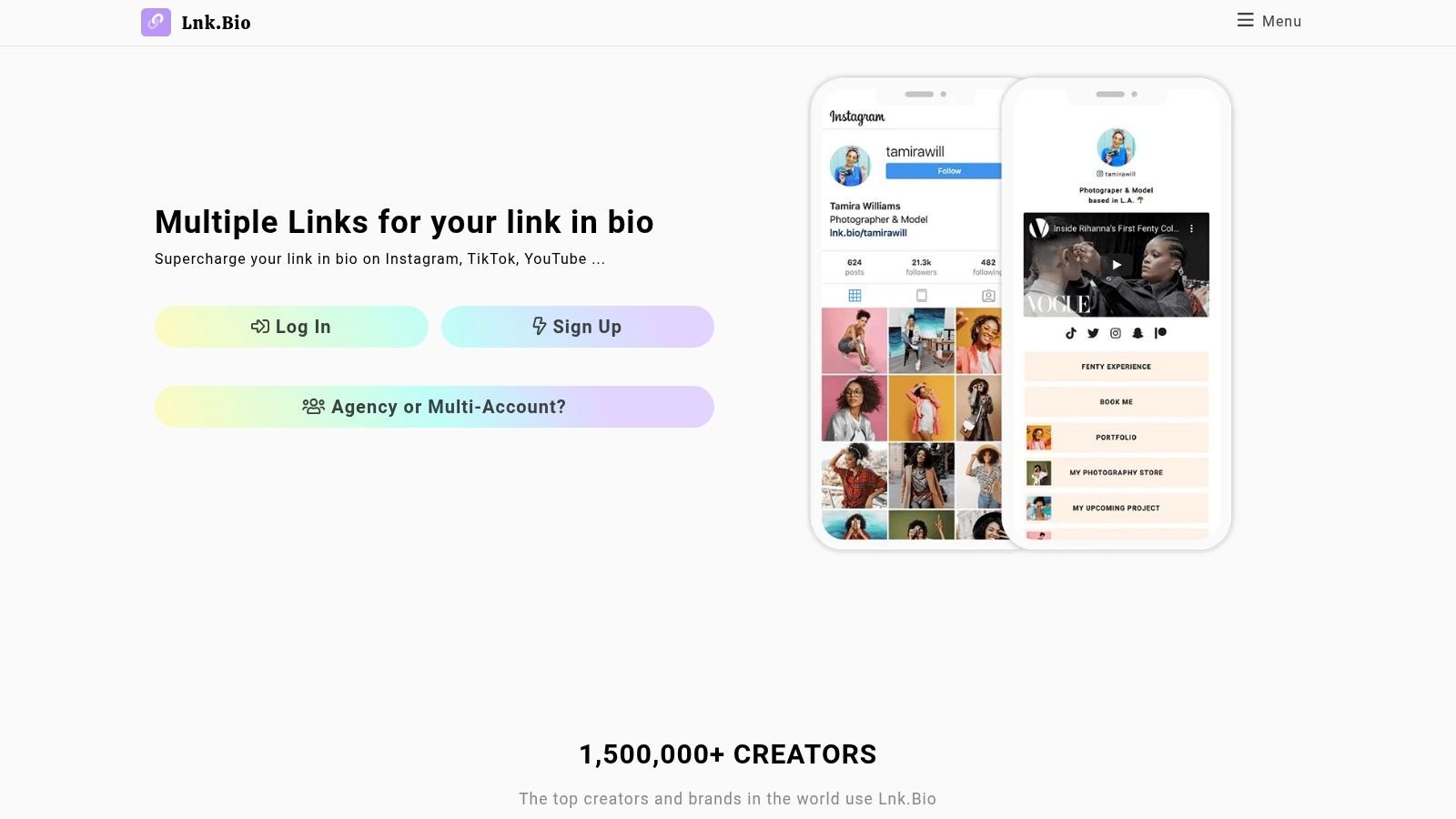
The standout practical benefit is its broad embed and icon library, which makes it attractive for creators with lots of content destinations, especially musicians. If your world includes Spotify, YouTube, TikTok, merch links, event links, and multiple social channels, Lnk.Bio handles that ecosystem comfortably.
Why some users stick with it
The lifetime payment option is a significant differentiator. A lot of one-page tools are easy to start and annoying to keep paying for. Lnk.Bio appeals to users who want long-term ownership without another recurring expense hanging over a simple page.
It's not the deepest platform in terms of advanced business features, and some nicer layouts live behind paid tiers. Custom domains also cost extra. But if your priority is broad embed support and cost control over time, Lnk.Bio is one of the more practical options in this list.
7. Bio Link bio.link
bio.link is one of the better options for users who want a simple all-in-one setup with straightforward packaging. It combines multiple simple-page features under one umbrella, including custom domains, white-label presentation, analytics, embedded content, newsletter tools, and an AI chat assistant.
That mix makes it useful for people managing several small web presences. Think agencies running campaign pages, creators testing multiple offers, or businesses maintaining separate pages for promos, events, and lead magnets.
Where bio.link fits
The appeal here is convenience. Instead of juggling several minor services, you get a practical stack in one place. For users who value stable workflow over deep specialization, that's attractive.
The trade-off is that bio.link isn't the deepest commerce product in this group. If your page needs advanced selling infrastructure, Beacons or a more dedicated commerce setup may fit better. If you need multiple clean pages with predictable tooling, bio.link is easier to justify.
8. Dorik
Dorik is a no-code website builder first and a one-page builder second. That's exactly why it works well for consultants, agencies, and service businesses that want a one-pager today but may need more structure later.
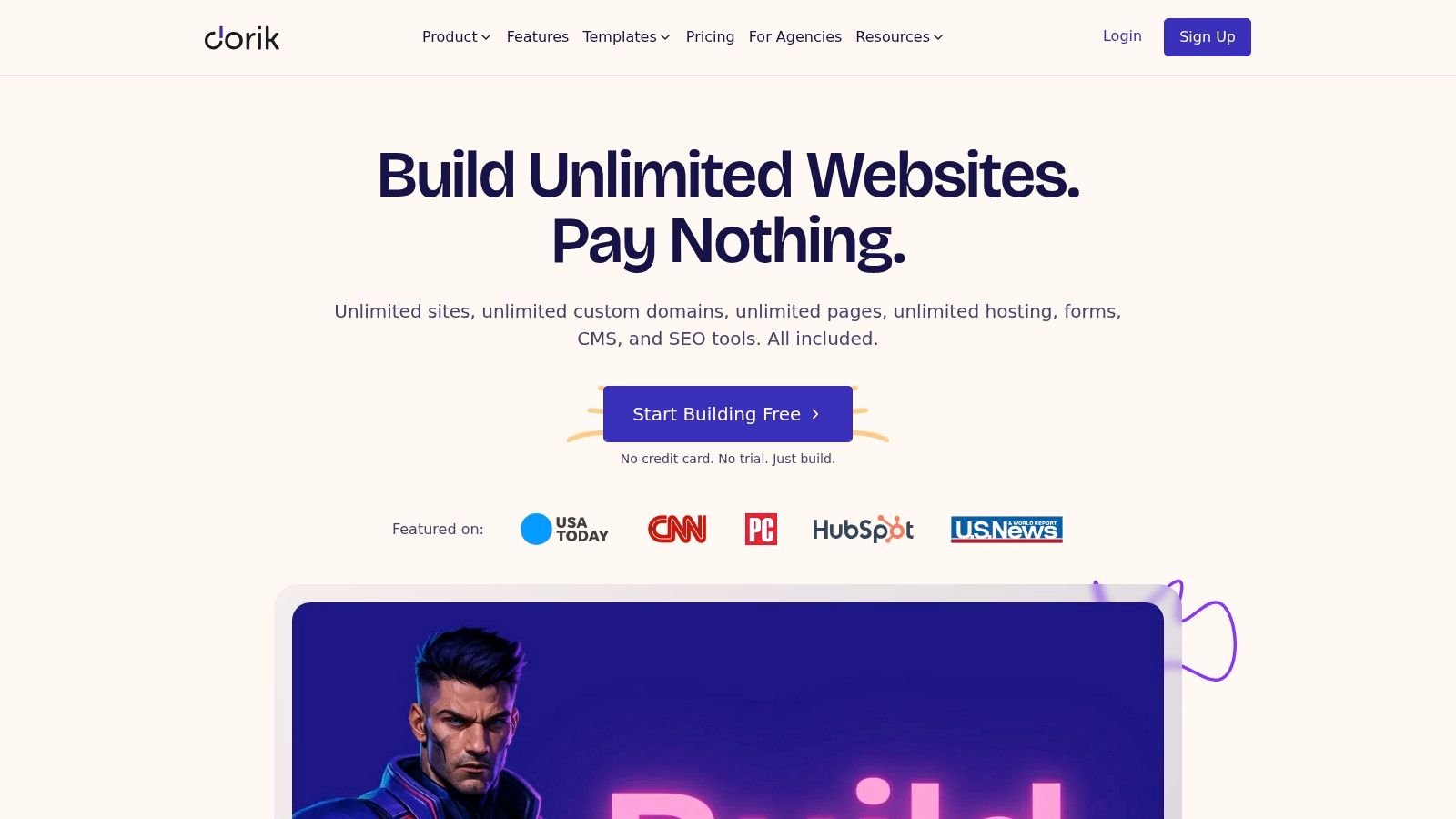
Dorik gives you CMS collections, custom fields, analytics, AI generation, custom domains, and agency-friendly white-label features. In practice, that means you can build a landing page, local service page, or compact business site without boxing yourself into a pure bio-link format.
Why agencies like Dorik
Dorik is useful when one-page sites are part of a repeatable service model. Agencies can spin up multiple client pages, keep branding clean, and manage lightweight projects without dragging clients into a more complicated platform than they need.
This category has shifted toward extensibility and operational fit. Product depth matters, but so does what happens after launch. That's part of why Wix remains strong in the broader builder market. Website Builder Expert reports more than 2,000 free templates and ranks Wix as the best website builder for 2026 after 300+ hours of testing across 12 platforms, which highlights how mature ecosystems reduce iteration time when pages need to evolve.
Dorik's downside is design depth. It's capable, but it doesn't offer the same high-fidelity visual control that design-led tools do. For practical business pages, that usually isn't a problem.
9. Umso
Umso is one of the fastest ways to get from idea to live page. It's built for founders, solo makers, and small teams that care more about momentum than pixel-perfect design control.
The site generator is the hook. You can draft a homepage quickly, then refine with built-in forms, analytics, blog support, multilingual content, and custom domains. That's useful when you're validating an offer, launching a side product, or putting up a campaign page fast.
Best use case for Umso
Umso is strongest when the page is temporary, test-oriented, or tied to a specific launch. It reduces decision fatigue because the defaults are opinionated and startup-friendly.
A lot of roundup content misses this operational question. The best one page website builder often depends less on raw feature count and more on whether it supports the actual workflow: rapid edits, media embeds, product links, and low-friction updates for creators and small businesses, a gap called out in SeedProd's discussion of one-page builders and what most comparisons miss.
If you need deep visual customization, Umso will feel constrained. If you need a sharp launch page up today, that constraint is part of the benefit.
10. Framer
Framer is what you choose when the page itself is part of the brand impression. It's visually refined, strong with motion and layout fidelity, and capable of growing from a one-pager into a fuller branded site later.
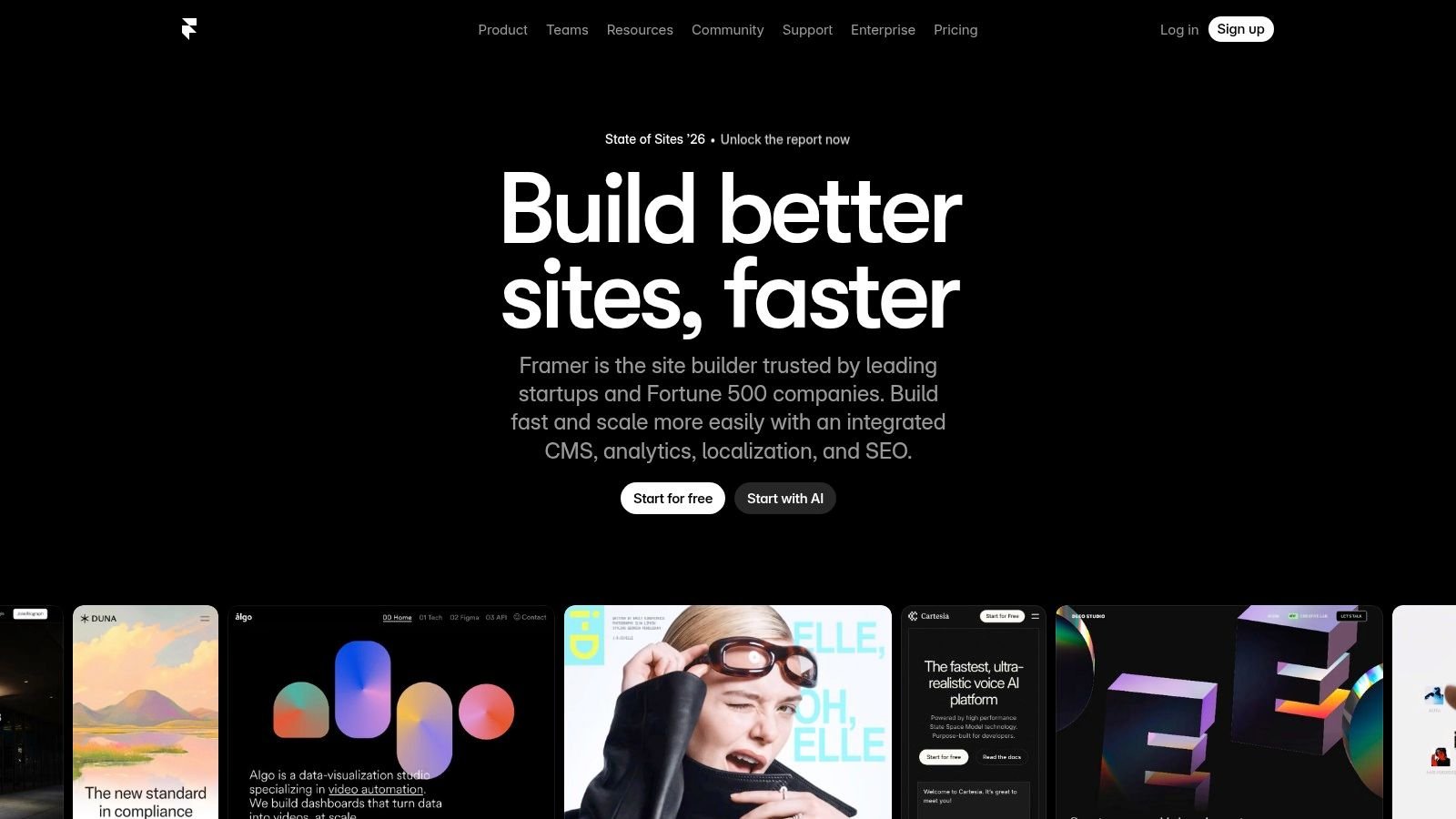
For designers, creative studios, premium consultants, and startups with a stronger visual bar, Framer earns its place. Animations, staging, rollback, CMS, and add-ons like localization and testing support more ambitious web work than most one-page tools can manage.
When Framer is worth it
Framer is worth paying for when polish directly affects perceived value. If your one-page site needs to impress investors, clients, or design-conscious buyers, the extra fidelity can matter.
But strategy matters. Speed still wins on one-page sites. Elementor's market-share guide notes that only 40% of mobile sites pass Core Web Vitals, and cites a benchmark that pages loading in exactly 1 second can achieve 3x higher conversion rates than pages loading in 5 seconds. So if you use Framer, keep motion disciplined and page weight under control.
Design flair helps only if the page stays fast on mobile.
Framer is a premium answer. It isn't the best fit for simple link hubs, but it's one of the strongest choices for branded one-pagers with room to grow.
Top 10 One-Page Website Builders Comparison
| Product | Core features | UX / Quality ★ | Price / Value 💰 | Target & USP 👥 ✨ |
|---|---|---|---|---|
| Bio Links Page Builder 🏆 | Drag-&-drop mobile-first builder; unlimited links; multimedia blocks (YouTube, Spotify, galleries); Tiny URL; white‑label | ★★★★☆ Fast, polished templates, conversion-focused | 💰 Free to register & use, high value | 👥 Creators, SMBs, agencies; ✨White‑label + Tiny URL + broad social integrations |
| Carrd | Lightweight one‑page editor, responsive controls, forms & embeds | ★★★★☆ Super fast, minimal learning curve | 💰 Very low cost (from $9/yr) | 👥 Solos, portfolios; ✨Ultra‑cheap, speedy launch |
| Linktree | Unlimited links & embeds, analytics, email integrations, monetization tools | ★★★★☆ Widely adopted, stable ecosystem | 💰 Free + paid tiers; seller fees (≈9%) | 👥 Creators seeking integrations; ✨Mass adoption & analytics |
| Beacons | Built‑in store, AI assistant, email/DM automation, templates | ★★★★☆ Creator growth stack with commerce | 💰 Free+paid; transaction fees on some plans (≈9%) | 👥 Creators wanting integrated monetization; ✨Commerce + AI tools |
| Solo.to | Polished mobile‑first layouts, embeds, scheduling, analytics | ★★★★☆ Clean, performance‑minded | 💰 Affordable paid tiers | 👥 Individuals & small businesses; ✨Professional design at low cost |
| Lnk.Bio | Unlimited links (free), 147+ embeds, 577+ templates, lifetime plans | ★★★☆☆ Simple, budget-friendly | 💰 Free or one‑time lifetime payments | 👥 Musicians & budget creators; ✨Lifetime pricing & huge icon library |
| Bio Link (bio.link) | Unlimited sites (Pro), built‑in analytics, AI chat, newsletter tools | ★★★★☆ Simple all‑in‑one stack | 💰 Single plan simplicity; good value | 👥 Multi‑page creators; ✨AI chat + unlimited sites |
| Dorik | No‑code one‑pagers, CMS collections, analytics, white‑label dashboard | ★★★★☆ Agency‑friendly, performant | 💰 Plans with unlimited sites, agency value | 👥 Consultants, agencies, SMBs; ✨White‑label + CMS |
| Umso | AI site generator, analytics, forms, multilingual support | ★★★★☆ Extremely fast MVP publishing | 💰 Per‑site pricing; free limited tier | 👥 Founders & solo makers; ✨Generator for quick drafts |
| Framer | High‑fidelity visual design, motion/animations, CMS, staging & rollback | ★★★★★ Designer‑grade polish | 💰 Higher monthly cost; add‑ons may increase spend | 👥 Designers & teams; ✨Premium motion, staging & scalability |
Final Thoughts
A one page site usually starts with a simple problem. A creator needs a cleaner link hub. A consultant needs one page that can collect leads. A founder needs a waitlist page live before traffic starts arriving. Those jobs look similar on the surface, but they break in different places if you choose the wrong builder.
That is why this guide grouped tools by use case instead of flattening everything into one feature list. Link hubs live or die on mobile layout, speed, and fast edits. Creator suites earn their keep with monetization, audience capture, and built-in selling tools. Business-focused one-pagers need stronger structure, better forms, and more control over brand presentation. The comparison table matters because it shows the trade-offs clearly. Price, flexibility, and publishing speed rarely peak in the same product.
Bio Links Page Builder stands out here for one specific job: getting a polished mobile-first hub live quickly with very little setup friction. It is a practical fit for creators, freelancers, writers, and small businesses that need a single page to route visitors to the right next step.
The other tools earn their place for narrower reasons. Carrd is still hard to beat for simple, low-cost pages with clean design control. Beacons makes more sense when selling, bookings, or creator monetization are part of the plan from day one. Linktree remains the familiar choice for users who want the safest learning curve. Dorik and Umso are better picks when the page needs to feel closer to a small business website than a bio link. Framer justifies its cost if design quality, motion, and layout precision are part of the brief.
My recommendation is straightforward. Start with the builder that matches the page's primary job, not the longest feature list. If the page is mainly a traffic router, keep it light. If it needs to convert, choose stronger layout and form controls. If it needs to sell, pick the tool with built-in commerce and accept the extra complexity.
Those are the trade-offs that matter in practice.
If you need forms on your page and want a lightweight way to add contact capture without overcomplicating the build, this guide to embedding contact form HTML is a useful next step.
If you want a fast, free starting point, Bio Links Page Builder is the clearest place to begin, as noted earlier. Pick a template, put your highest-priority action near the top, trim anything that distracts from the main click, and publish the first usable version. A live page with a clear goal beats a prettier draft that sits unfinished.